





Unlock Pokecut VIP for just
23
:
59
:
55

Free Online Zoom Out Image Using AI Image Extender
Easily zoom out picture online for free using Pokecut's AI Image Extender. Uncrop images and generate new backgrounds with zero quality loss.



Upload Image
or drop a file here
CTRL+V to paste image or URL
Supported formats: JPEG, JPG, PNG, WebP, BMP


No image? Try one of these



By uploading an image or URL you agree to our Terms of Use and Privacy Policy
Why Choose Pokecut to Zoom Out Picture Seamlessly?

Free Online AI Zoom Out Image is Easy-to-Use
You can zoom out image online instantly without installing bulky apps. This secure, free tool requires no account registration to protect your privacy. Enjoy a safe, hassle-free experience while you zoom out a picture directly in your web browser.
Our automated picture zoomer handles complex edits with zero Photoshop skills. The AI expands backgrounds naturally in seconds. Conversely, if you need to magnify details instead of expanding, try our zoom in photos tool for clear close-ups.

Zoom Out Image to Fit Any Platform Without Cropping
You can zoom out image borders to fit Instagram, TikTok, or YouTube instantly. Convert landscape to portrait layouts seamlessly without losing important side details. Simply pick your target size and let the smart fill handle the rest.
This zoom out photo editor also creates space for Amazon or Shopify product shots. Our Advanced zoom out AI tech generates matching backgrounds to meet platform rules. Stop cropping your best shots and start expanding them naturally.

Zoom Out Photos: AI Natural Background Expansion
Use our zoom out picture tool to expand backgrounds naturally without awkward white borders. Unlike basic editors that just shrink images, Pokecut uses generative AI to paint realistic scenery. The smart algorithm analyzes textures to fill the canvas perfectly.
This intelligent image zoomer creates a seamless wide-angle look that mimics the original camera shot. You can zoom out photo compositions instantly to fix tight framing issues. It delivers professional results that look authentic and ready for any social platform.

Zoom Out Picture: Extend Images Without Quality Loss
With Pokecut's image zoomer, you can zoom out picture borders seamlessly while maintaining 100% of your original resolution and clarity. Unlike standard editors that often blur main subjects or introduce pixelation when you resize images, our advanced AI only generates new pixels for the expanded area, ensuring your primary subject stays sharp.
Experience a professional image zoomer that intelligently analyzes textures to extend your canvas naturally. Whether you zoom photos for large prints or high-definition digital displays, the AI-generated expansion blends perfectly with the original shot, delivering a crisp, wide-angle look without any quality degradation.
How to Zoom Out a Picture Using Pokecut
Step1
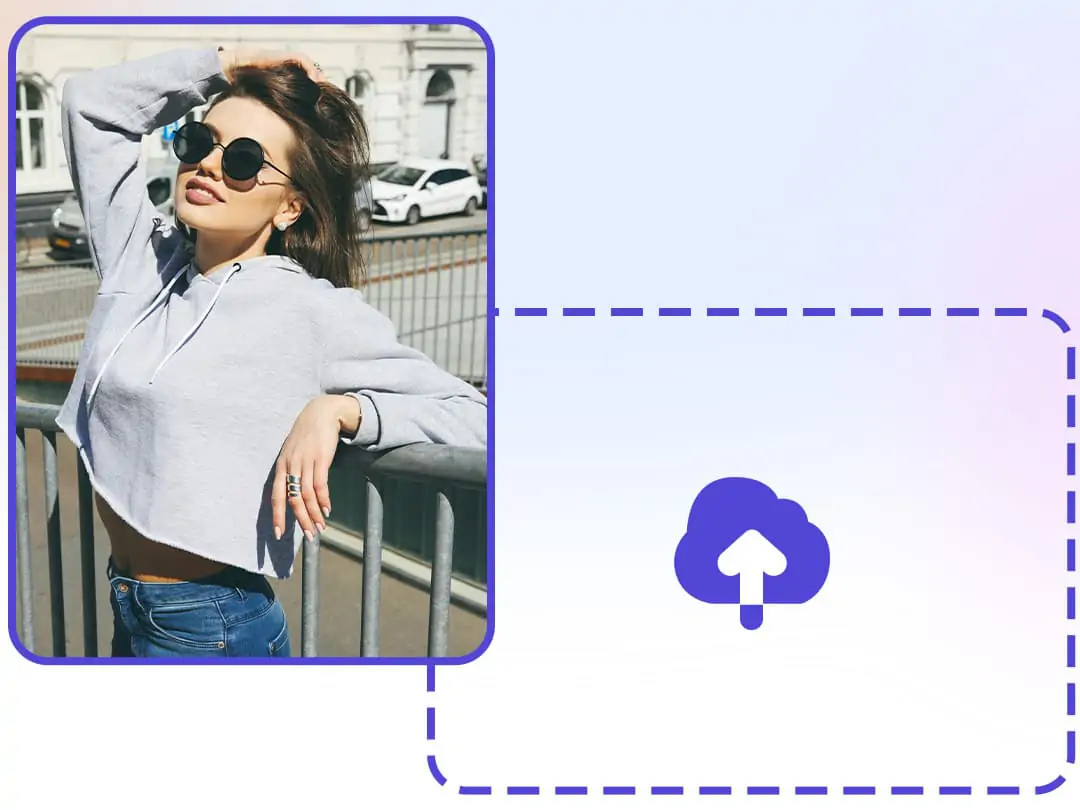
Upload Your Image
Upload your image to our online zoom out picture editor. We support high-quality formats like JPG, JPEG, PNG, BMP and WebP to start the process instantly.
Step2
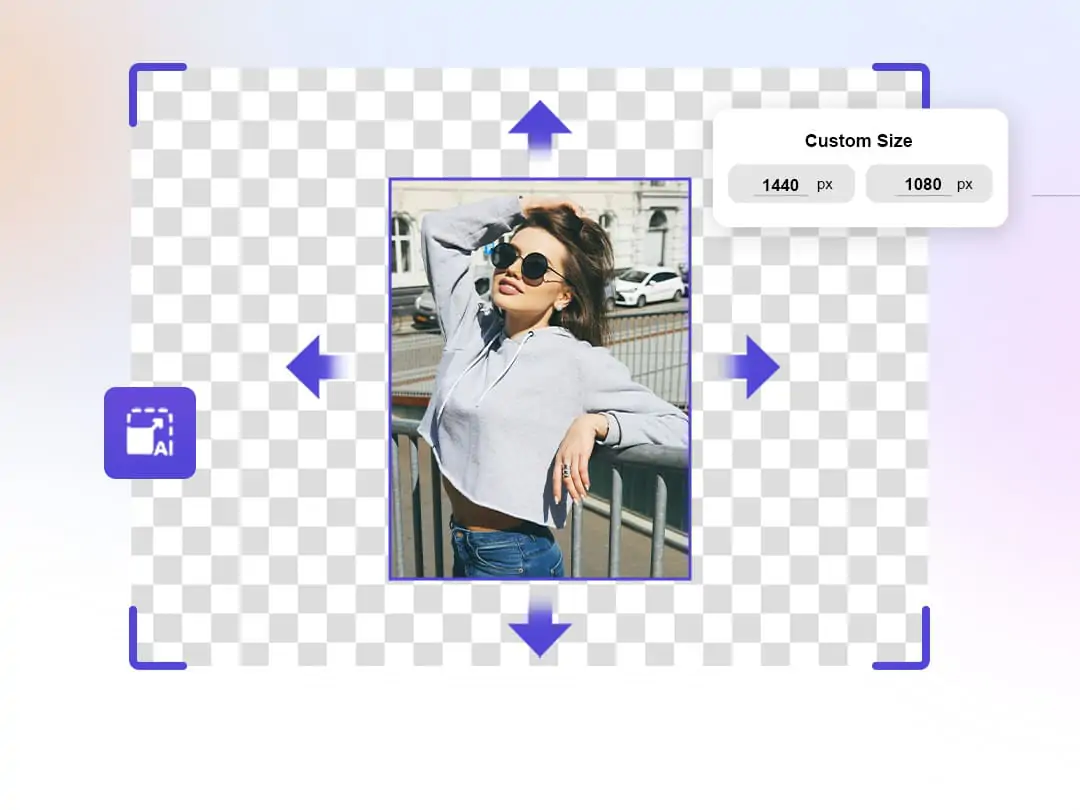
AI Zoom Out Image
Choose a preset aspect ratio or drag the canvas edges manually. Click "Generate" to let the AI zoom out technology analyze the scene and extend the image naturally.
Step3
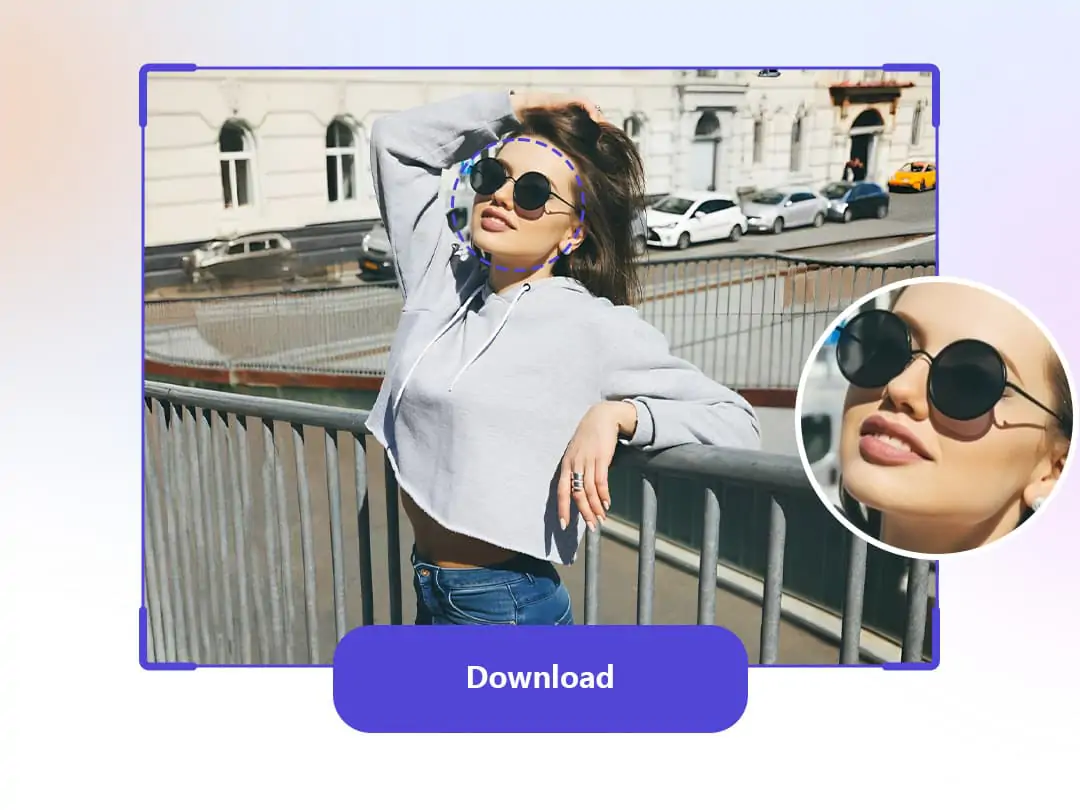
Download High-Res Result
Preview the seamless expansion and select your favorite version. Download the final image in full resolution or continue to zoom out photo borders for a wider view.
What Can You Create with Our Zoom Out Picture Tool?


Create clean backgrounds for product listings instantly. Our zoom out photo editor expands tight shots to leave ample negative space around your item. This provides the perfect canvas to add text for sales or branding while meeting platform strict image guidelines.
FAQs About Zooming Out on a Picture
Can I use this zoom out tool on my mobile phone browser?
Absolutely. Our website is optimized for mobile devices. You can zoom out of picture edges directly on your phone. It works smoothly on both iOS and Android browsers without any installation needed.
How does the AI zoom-out feature work?
Our AI zoom out tech analyzes your photo's context first. It then generates new pixels to extend the scenery naturally. The result blends perfectly with the original shot without looking fake.
Will zooming out reduce the quality of my original image?
No. We only generate the new outer edges. Your central subject remains 100% original quality. You get a wider view instantly without any blurriness using our zoom out photo editor.
Is this AI zoom out picture tool really free to use online?
Yes, you can zoom out image online for free. We provide free credits for all users. You do not need to pay anything to start expanding your favorite shots right now. It is truly accessible.
Can I change a landscape photo to portrait for Instagram?
Yes, you can. Just select the 9:16 ratio in our editor. The tool will zoom out image borders vertically. It automatically fills the empty space with matching content to fit the screen perfectly.
See What Users Say About Pokecut's Picture Zoom Out Tool
Users widely praise our tool for being intuitive and delivering incredibly natural results, perfect for both personal fun and urgent business needs.

Sarah M.

"I was so frustrated when Instagram kept cropping my head out of the frame. This tool fixed the framing instantly! The added background looks totally real. Lifesaver."
David K.
"I had tight deadlines for Amazon listings and the supplier photos were way too close. This zoomed them out perfectly without blurring. My client was actually impressed."
Jessica W.
"The expansion quality is actually fantastic and very sharp. It took a few extra seconds to process my high-res file, but the final result was definitely worth the wait."
Elena R.
"As a designer, I constantly need more negative space for text overlays on banners. This AI generates matching textures better than I could do manually in Photoshop."
James P.
"I thought my favorite group photo was ruined because my best friend was half-cut out. This filled in the missing parts like magic. You honestly can't even tell!"
Liam T.
"I honestly expected the extended parts to look glitchy or fake like other tools, but the blending is seamless. It saved a landscape shot I took that was just too narrow."

Reviews from: Reddit, Product Hunt, G2, TrustRadius, Google Play, App Store, and more.
Pokecut's AI Zoom Out Picture Tool Trusted by Creators and Pros

1M+ Users Worldwide
Pokecut generate over 500,000 images every day


Professional Privacy Protection
Ensure 100% data privacy for every photo

Trusted by Well-Known Brands
Apple、Google、Paypal、Stripe、Product hunt、G2、TrustRadius
Explore Similar Al Features Like Image Zoomer
 POKECUT




Copyright © 2026 Pokecut All Rights Reserved.