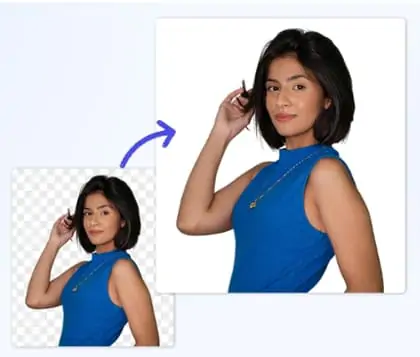
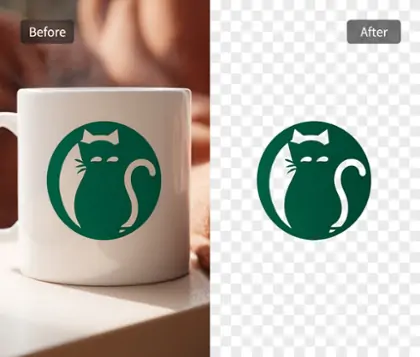
Transparent Photo Maker for Quick and Accurate Image Transparency
Easily turn any area into transparent with our image transparent maker. Perfect for creating professional transparent photos for presentations, e-commerce, or social media in just seconds.


By uploading an image or URL you agree to our Terms of Use and Privacy Policy
How to Make an Image Transparent with AI
Step 1

Upload Your Photo
Choose your image file, then upload it to the transparent photo maker. Supported formats include JPG, PNG, WEBP, and BMP. Fast upload ensures a smooth start.
Step 2

Let AI Instantly Generate Transparent Image
AI automatically removes the background and generates a transparent image. Use the eraser or brush tool to refine edges and customize transparent areas as needed.
Step 3

Download Your Transparent Image in High-Quality PNG
Preview your transparent image, then download the final result as a high-quality PNG file. Use your new transparent photo in web design, presentations, or e-commerce.

AI-driven Image Transparent Maker for Effortless and Fast Editing
With Pokecut's image transparent maker, users can quickly make photo transparent in just one single click. The streamlined process is designed for all skill levels, saving time and effort while keeping the editing experience intuitive.
The advanced AI ensures the main subject is preserved with perfect clarity as you create transparent image files. Pokecut delivers precise transparency for various uses, making it easy to convert any photo into a professional asset.

Transparent Image Generator for Precise Area Control
With our transparent photo maker, you get more than just the ability to make photo background transparent. Use detailed brush tools to create transparent image areas exactly as you want. And removes unwanted sections or restoring important parts with precision.
Pokecut also features an advanced AI eraser, allowing you to eliminate specific elements from your images without making the entire area transparent. Customize your transparent image creator experience to achieve the cleanest results for your unique needs.

Transparent Picture Maker with Adjustable Opacity Control
Pokecut's transparent picture maker allows you to set the opacity of your images exactly how you want. The adjustable slider gives you full control, from 0 to 100, for the perfect level of transparency to suit your creative needs.
Not all images need to be completely opaque, and partial opacity can add subtle effects or highlight the main subject. After you create transparent image files, add outlines or borders to make your creations stand out for scrapbooking or digital design.
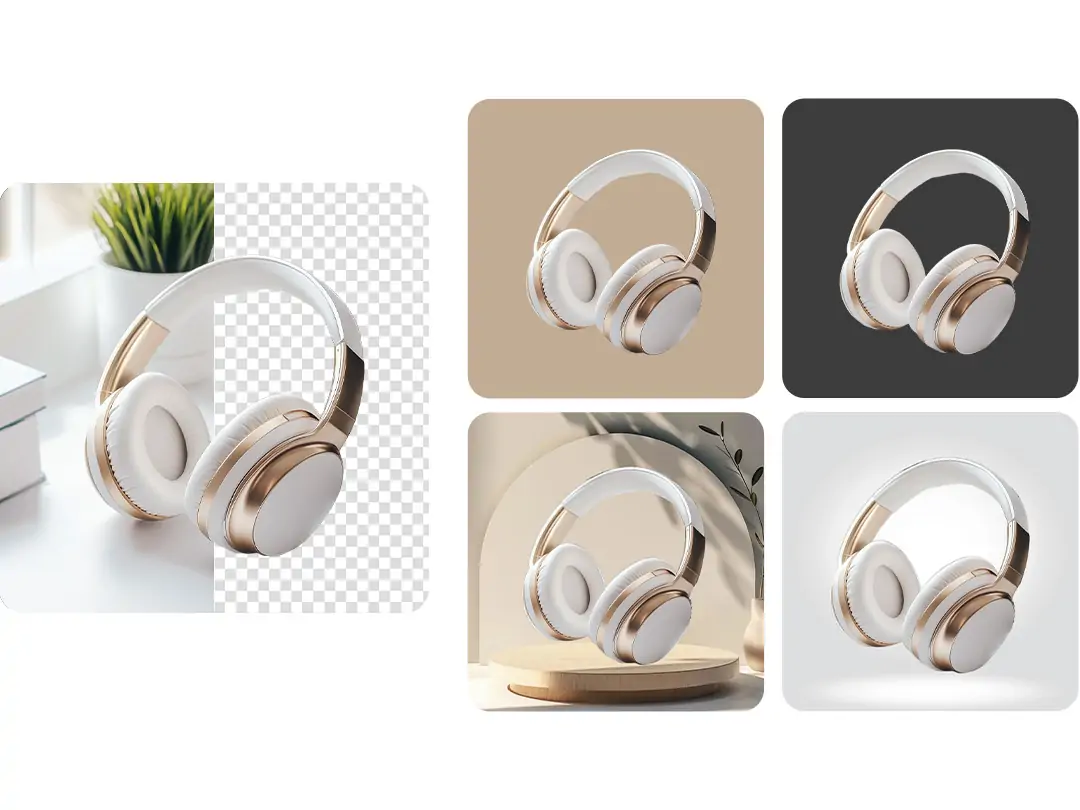
Create Transparent Image Online with Versatile Format Support
Pokecut lets you create transparent image online from JPG, PNG, WEBP, or BMP files using our transparent image generator. You can easily export your final work as a transparent PNG, so the checkerboard canvas disappears and your image is ready for any project.
Our transparent maker also provides a range of background templates for different needs. Whether you're working on product images, portraits, or pet photos, you will find customizable options to enhance your transparent image creation experience.
Explore the benefits of making images transparent

Extensive Background Adaptability
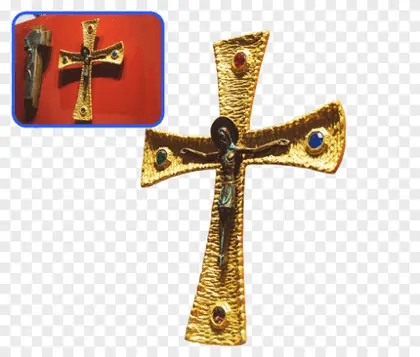
With our transparent image generator, any background can be used directly. Perfect for web pages, posters, advertising, and e-commerce product listings. It ensures seamless background integration across multiple scenarios.

Detail Preservation and Realism
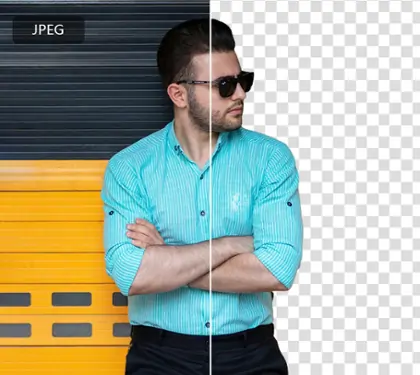
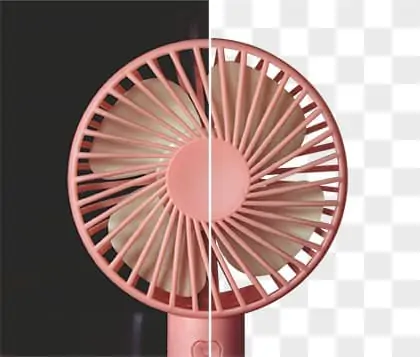
Transparent image creator helps preserve fine edges, hair, and texture, adding authenticity to your visuals. Make photo transparent while maintaining natural detail and realistic appearance for professional results.

Boost Design and Layout Efficiency
Our image transparent maker allows you to overlay images on any template or color block instantly. No need to replace the background every time, saving time and making design and layout more flexible with create transparent image online.
Frequently Asked Questions
Can I use Pokecut to create transparent images online for free?
Yes, Pokecut allows you to create transparent image online free using advanced AI transparent picture maker. Easily make photo transparent and export as a high-quality PNG file for use in design, presentations, or e-commerce.
What formats does Pokecut's transparent generator support for upload and export?
Pokecut supports JPG, PNG, WEBP, and BMP for upload. After using the transparent image generator, export your transparent image as a high-quality PNG. Enjoy seamless compatibility for all your creative projects.
Does Pokecut allow me to adjust the transparency level of photos?
Yes, with Pokecut's image transparent maker, you can use the adjustable opacity slider to set the transparency level you want. This helps you create transparent image files perfect for stickers or creative designs.
Will Pokecut ensure the main subject stays clear when making image transparent?
Pokecut uses advanced AI identify subject technology to keep the subject sharp. The transparent maker preserves edges, textures, and details while creating your transparent image, ensuring a professional and clean result.
Will transparency processing degrade image sharpness?
No. Pokecut preserves the original sharpness after making it transparent. The transparent image stays as crisp as the source. If the source is blurry, you can improve quality after removing the background. For best results, you can apply light sharpening before export or use a post-processing tool after transparency.