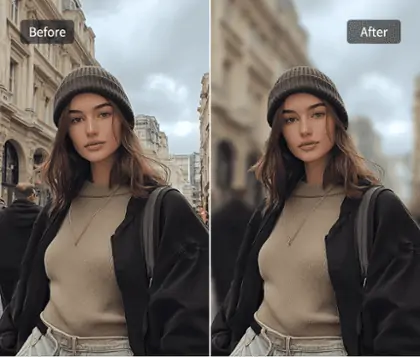
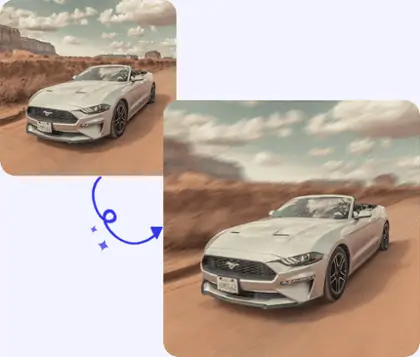
Enhance Your Images With Gaussian Blur Technology
Utilize gaussian blur for stunning background effects, perfect for focusing attention on your main subject while creating a visually appealing image.


By uploading an image or URL you agree to our Terms of Use and Privacy Policy
Master Gaussian Blur Techniques for Stunning Effects
Step 1: Upload Your Image Seamlessly
Begin by selecting your desired image to upload. Ensure it's of high quality for optimal results. Our platform supports various formats, making the process easy and efficient.
Step 2: Apply Gaussian Blur with Auto Cutout
Utilize our auto cutout feature to accurately separate the subject from the background. Apply the gaussian blur to create a professional and polished effect effortlessly.
Step 3: Adjust Settings and Download Effortlessly
Fine-tune the blur intensity and other settings to perfect your image. Once satisfied, download your edited photo in your preferred format quickly and easily.


Achieve Precise Gaussian Blur Background
Pokecut's advanced technology allows you to apply gaussian blur background black without compromising the clarity of your main subject. This feature ensures your photos maintain a professional look, emphasizing the subject while artfully blending the background with precision.
With the gaussian blur photoshop tool, you can selectively blur distracting elements for a seamless transition between foreground and background. To highlight this effect even more, Pokecut provides an HD photo enhancer that makes your subject sharper, creating a stronger contrast with the blurred background and enhancing the overall visual appeal.
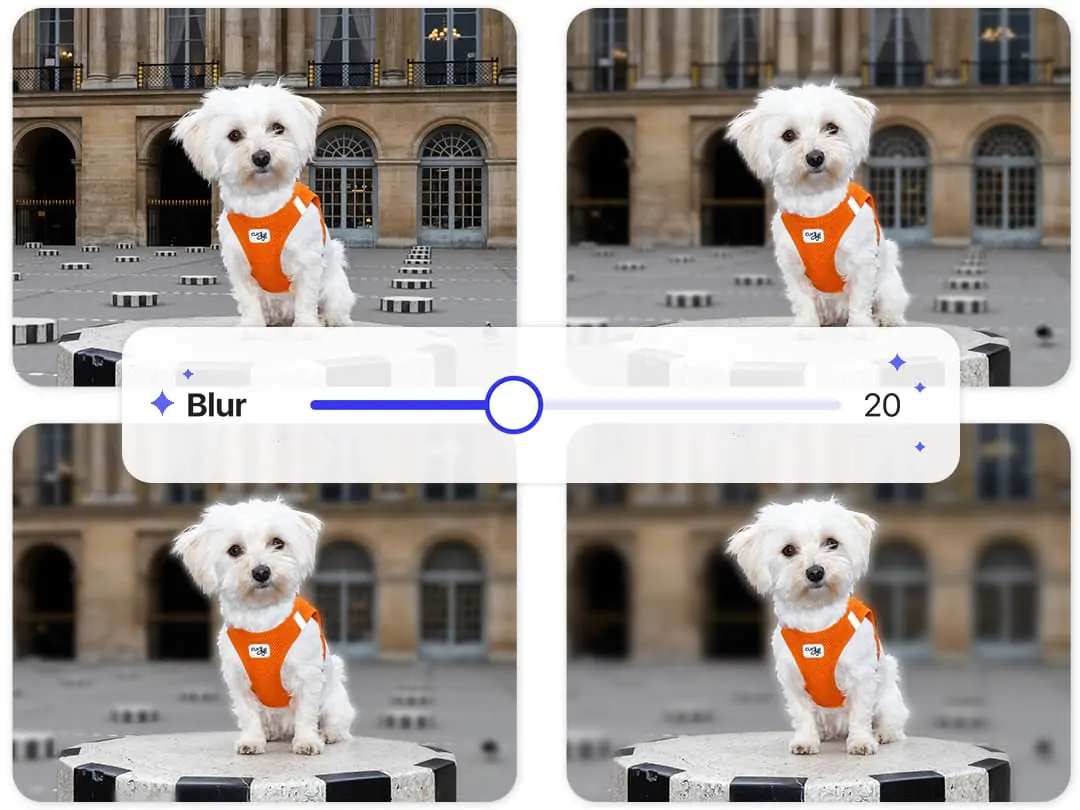
Customize Your Gaussian Blur Parameters Easily
With Pokecut, you can adjust the gaussian blur parameters to create unique photo effects. Fine-tune the intensity to achieve the perfect balance between clarity and blur, enhancing the overall aesthetic of your image.
Our advanced background blur tool offers flexibility, allowing you to experiment with different settings until you find the ideal effect. This feature is essential for professional photo editing, providing you with the tools needed for digital image processing and ensuring your images stand out.
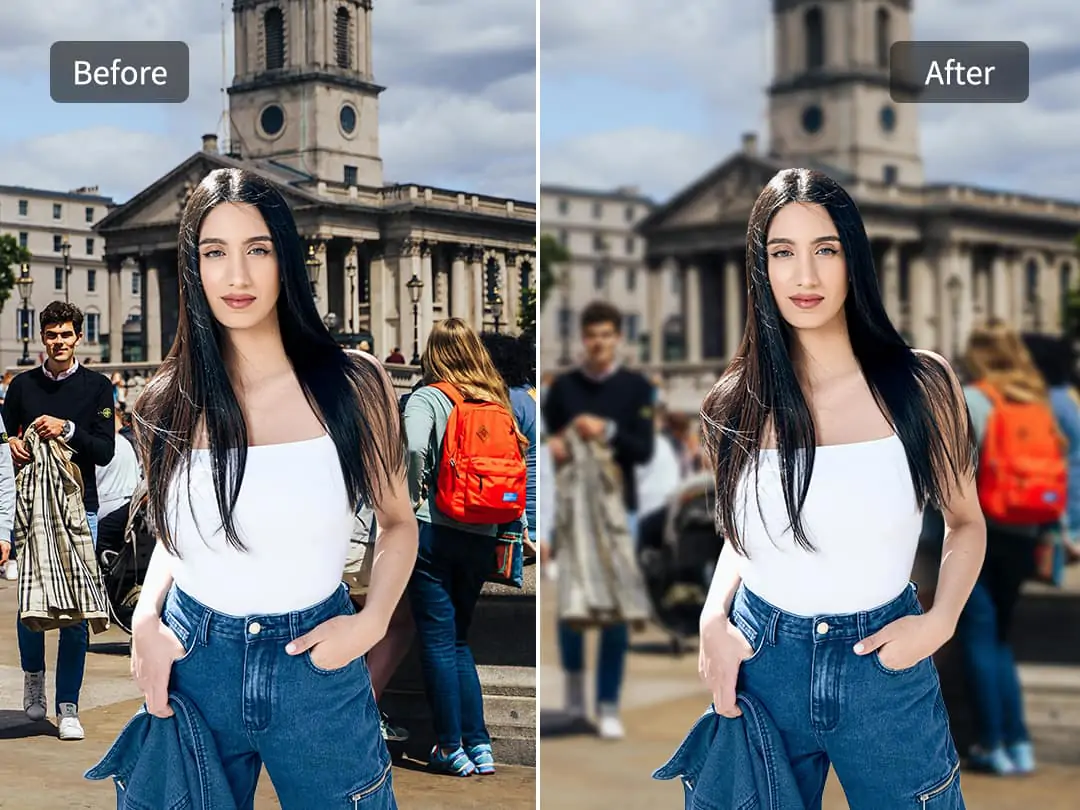
Effortlessly Blur Crowded Backgrounds with Gaussian Blur
Pokecut enables you to easily blur a busy street scene with multiple subjects using gaussian blur online. This feature helps to highlight the main subject by reducing the distraction of a cluttered background.
With our blur background tool, you can achieve a professional look in seconds. Whether it's a crowded street or a busy event, the gaussian blur background black functionality ensures your primary subject stands out—and if bystanders are the issue, use Pokecut to remove people from photo for a clean, focused result.
Master Gaussian Blur for Perfect Backgrounds

Enhance Posters with Gaussian Blur
Use gaussian blur to highlight your main subject, making commercial posters more stylish and attractive. The blur effect can draw attention to key elements.

Separate Subject from Background
With Pokecut's advanced cutout models, you can achieve precise background separation without blurring the subject. Only the background gets the gaussian blur treatment.

Experience Various Blur Techniques
Explore beyond gaussian blur with additional effects like motion blur. Each technique offers unique results for professional photo editing and creative image manipulation.
Frequently Asked Questions
How can I ensure the subject stays sharp using Pokecut?
Pokecut's advanced background blur tool allows you to apply gaussian blur only to the background. This ensures your main subject remains clear and detailed, perfect for professional photo editing.
Can I adjust the blur intensity using Pokecut?
Yes, with Pokecut you can customize the gaussian blur intensity to suit your needs. This allows for precise control over the background effect, enhancing your photo's visual appeal.
Is Pokecut suitable for online photo editing?
Absolutely, Pokecut is designed for online photo editing. It offers tools like the gaussian blur online, allowing users to enhance images directly in their browser efficiently.
What is gaussian blur and how does it work?
Gaussian blur is a digital image processing technique that smooths images and reduces noise by averaging pixels. In Pokecut, it helps create a soft background effect to make the subject stand out.