





AI Aesthetic Photo Editor: Make Aesthetic Photo Edits Online
Upload portraits, landscapes, products, or pet photos and turn them into aesthetic photo edits with vintage, dreamy, film, or digicam styles for posts.


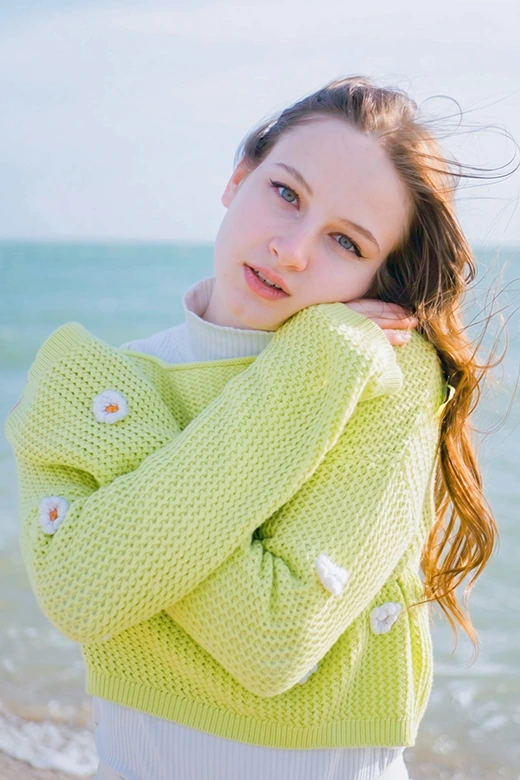
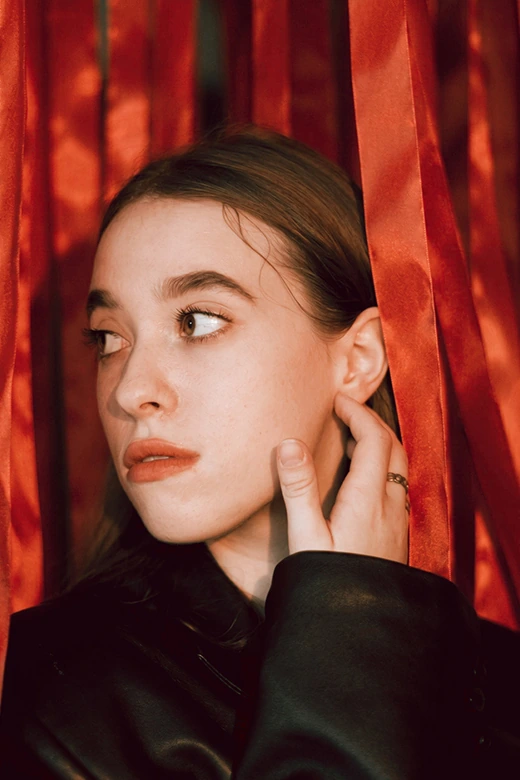
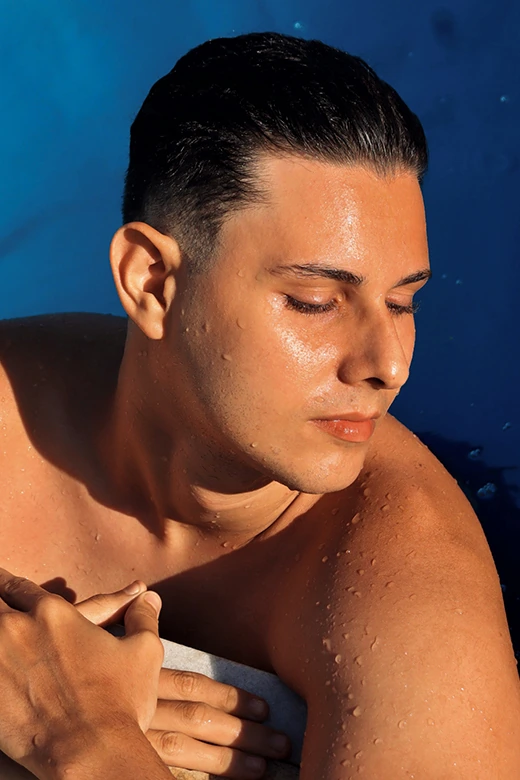
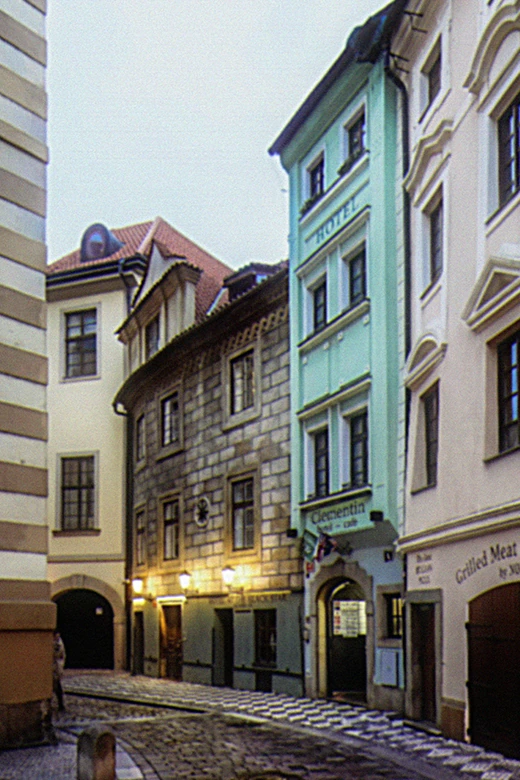
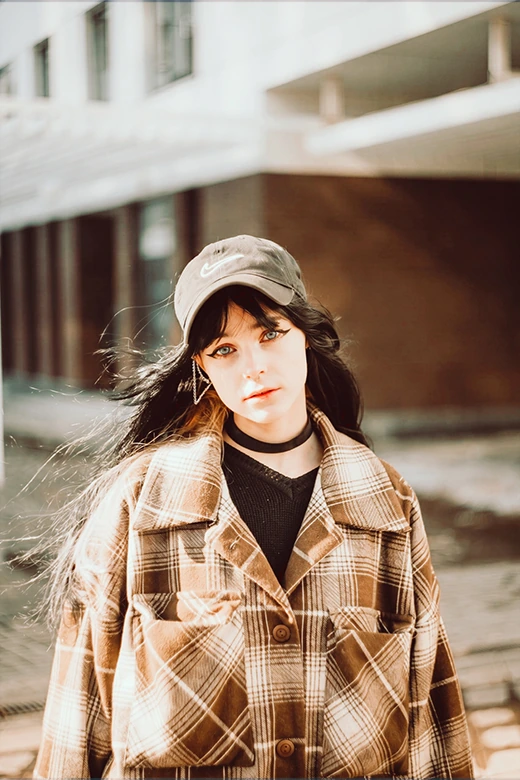
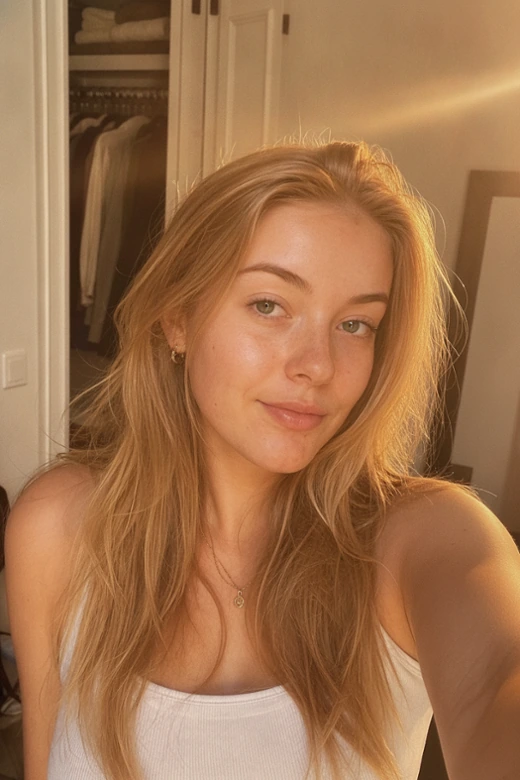
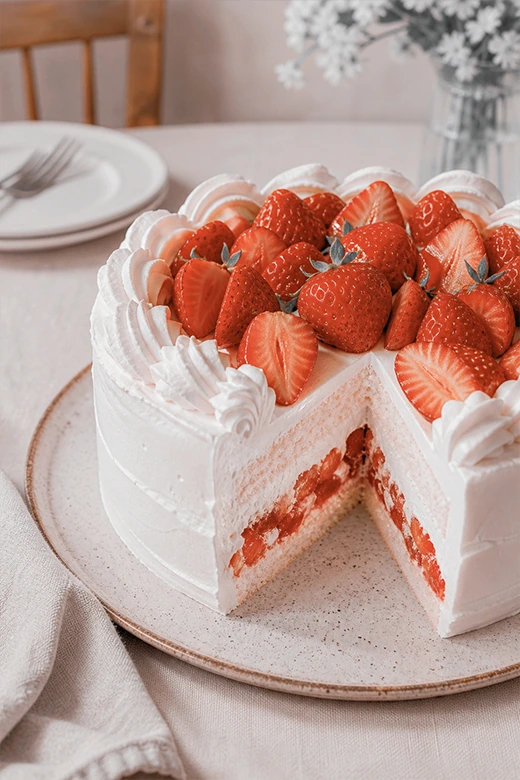
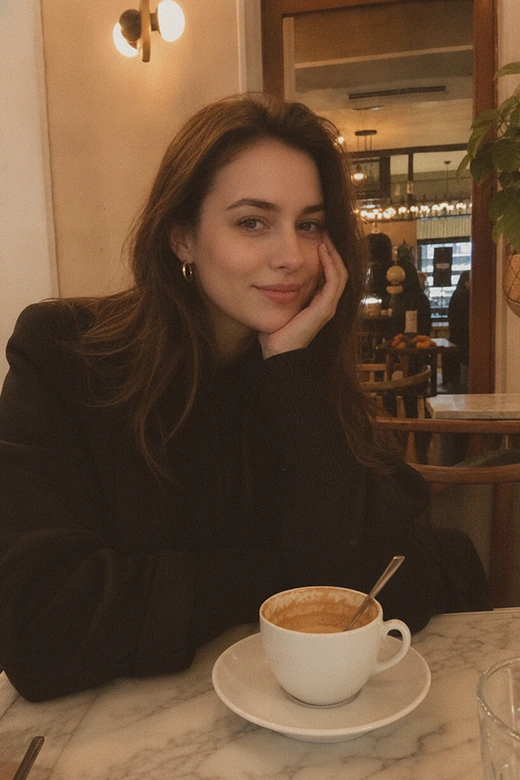
Make Any Photo Aesthetic for Everyday Uses
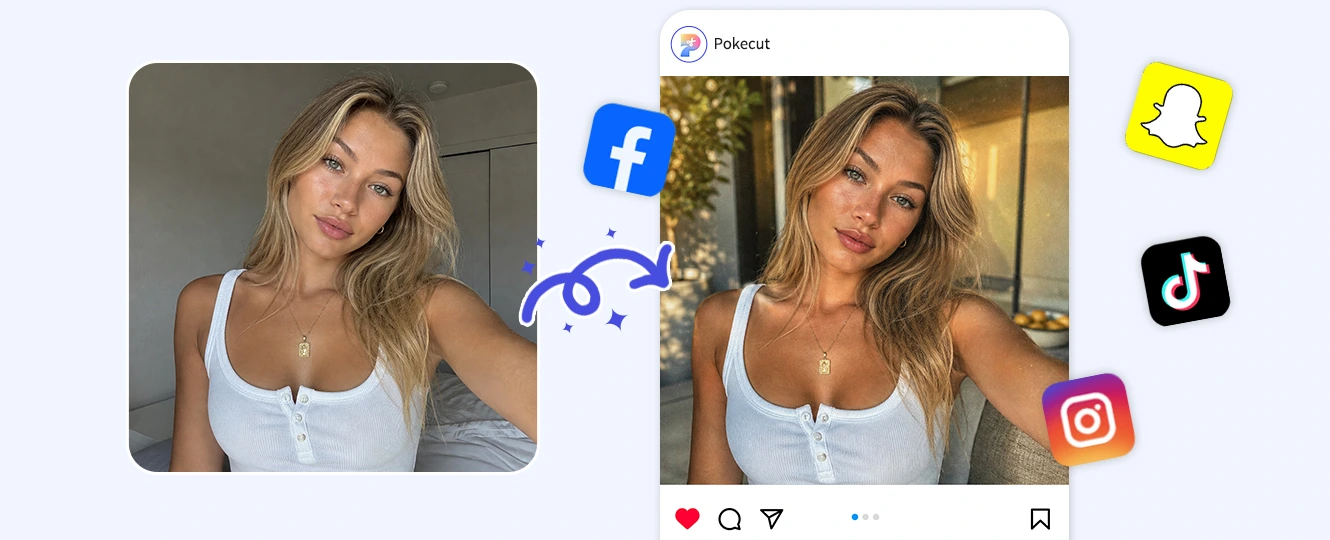
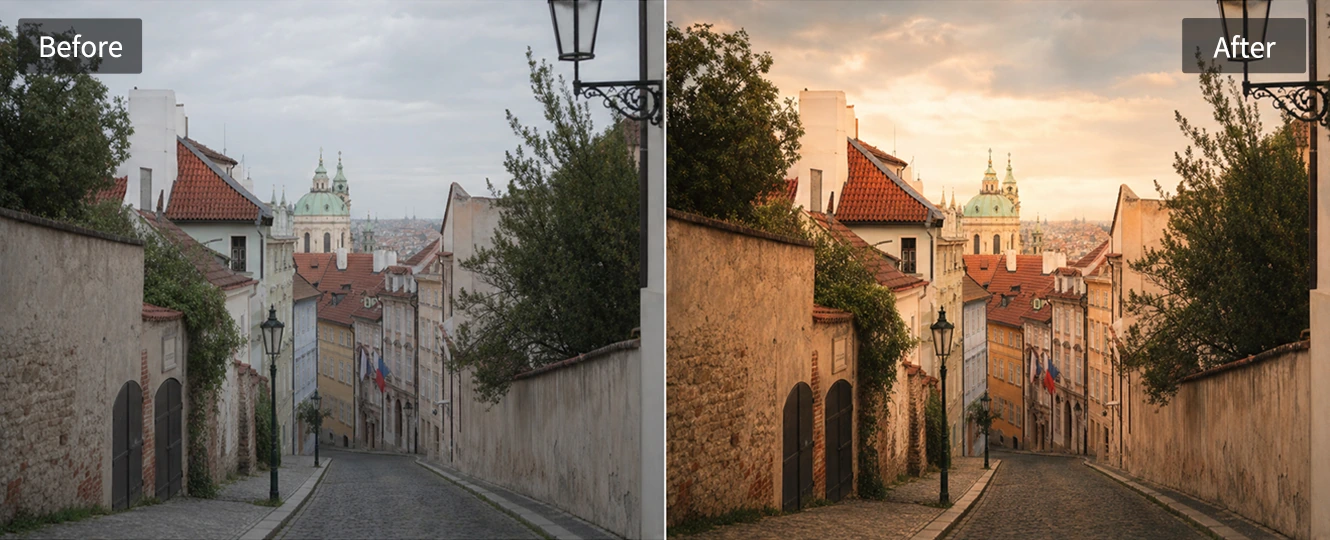
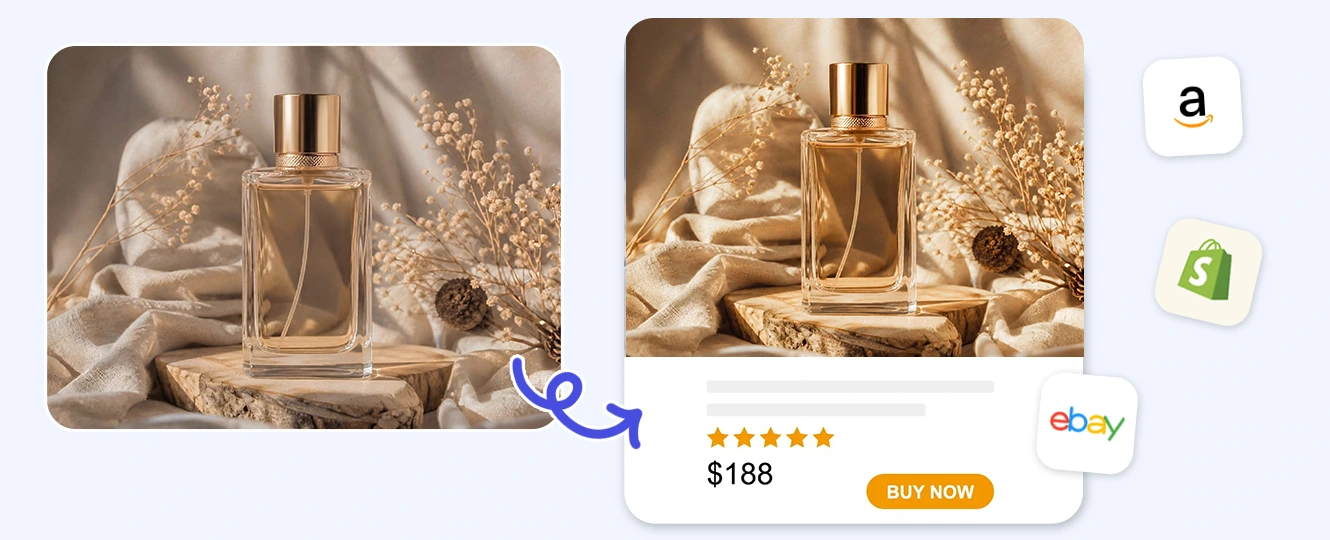
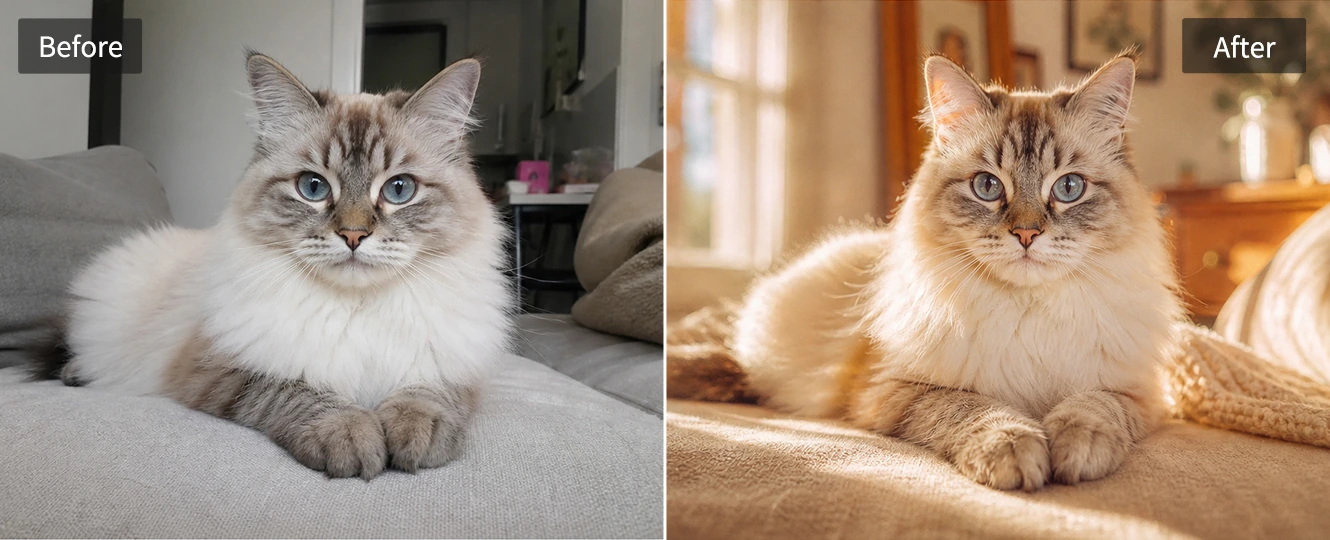
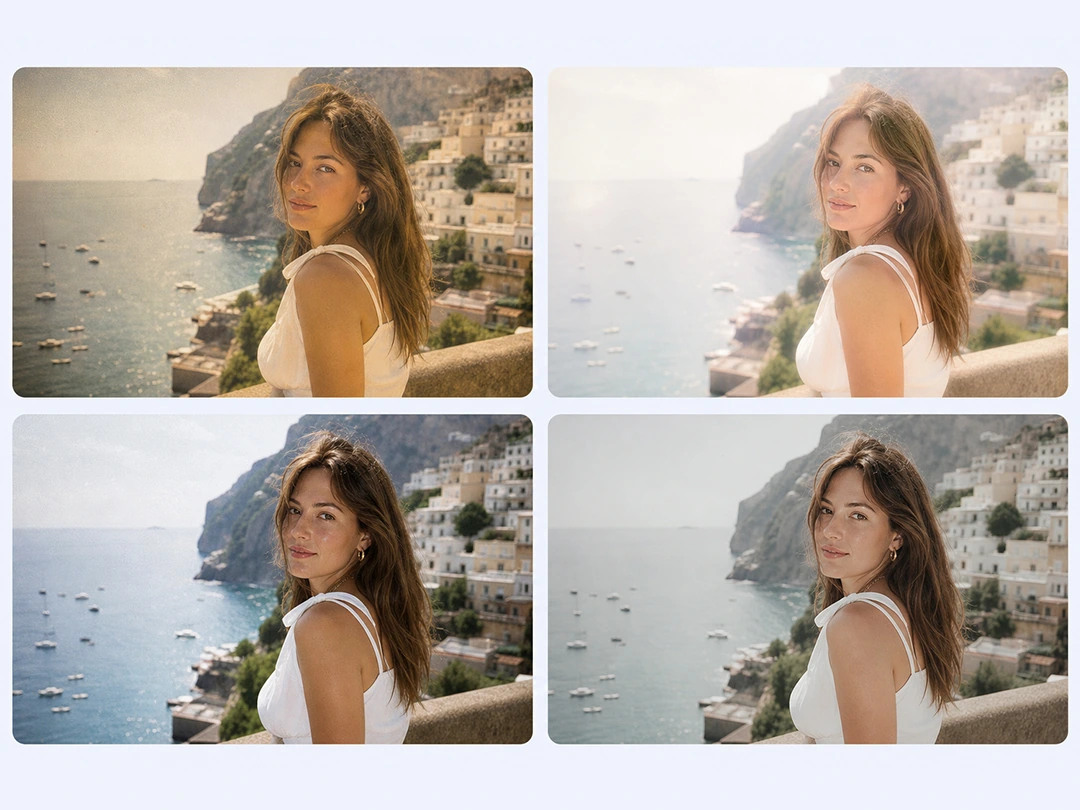
Aesthetic Filters for Every Photo Mood
A good aesthetic filter should change the mood without making the photo feel disconnected from the original scene. Pokecut helps you start with a portrait, travel shot, product image, or pet photo and choose a direction that fits the subject instead of forcing one preset across every upload.
If the image already has a nostalgic base, you can add a vintage photo filter for softer contrast and warmer color. For social covers or moodboards, small highlights and texture can make the final edit feel more intentional.
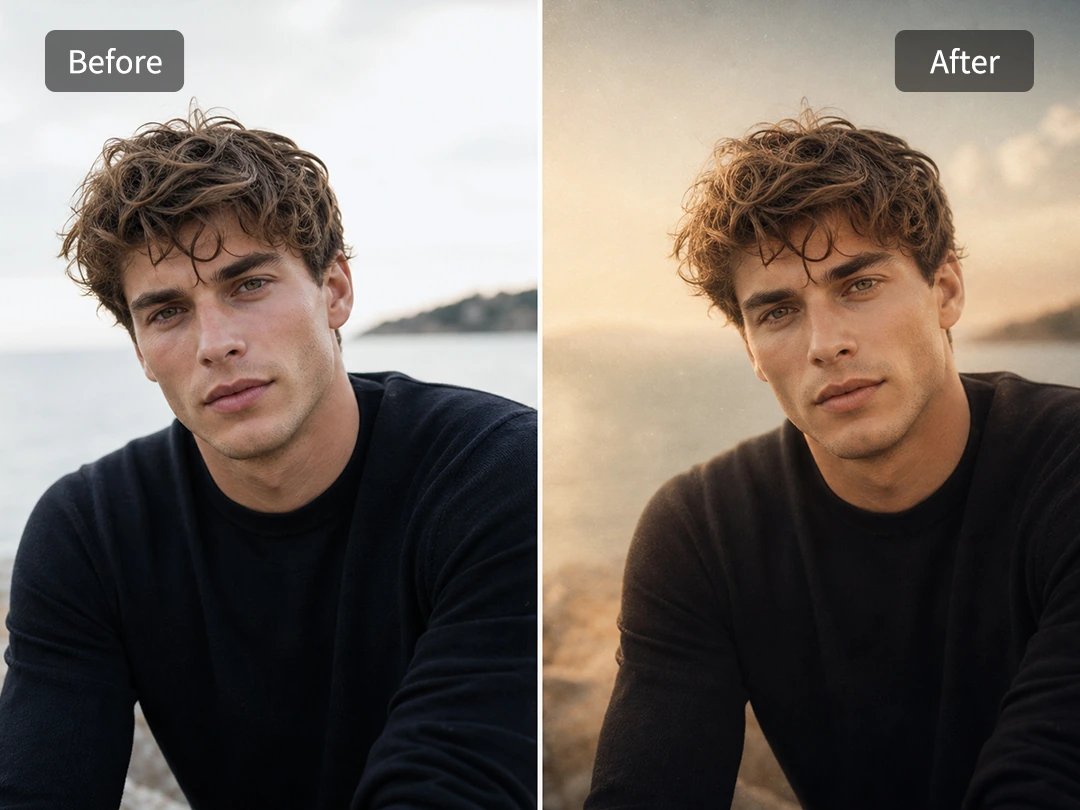
More Than a Basic Photo Enhancer
A basic photo enhancer is useful when an image is too dark or soft. Pokecut is built for a different result: it changes how the photo feels by guiding the color, light, and surface texture toward one clear aesthetic direction.
This helps when a clear photo still looks plain after cleanup. Keep the original subject, shape the mood around it, and add a glow effect only when the scene needs a softer light finish.
How to Make a Photo Aesthetic Online
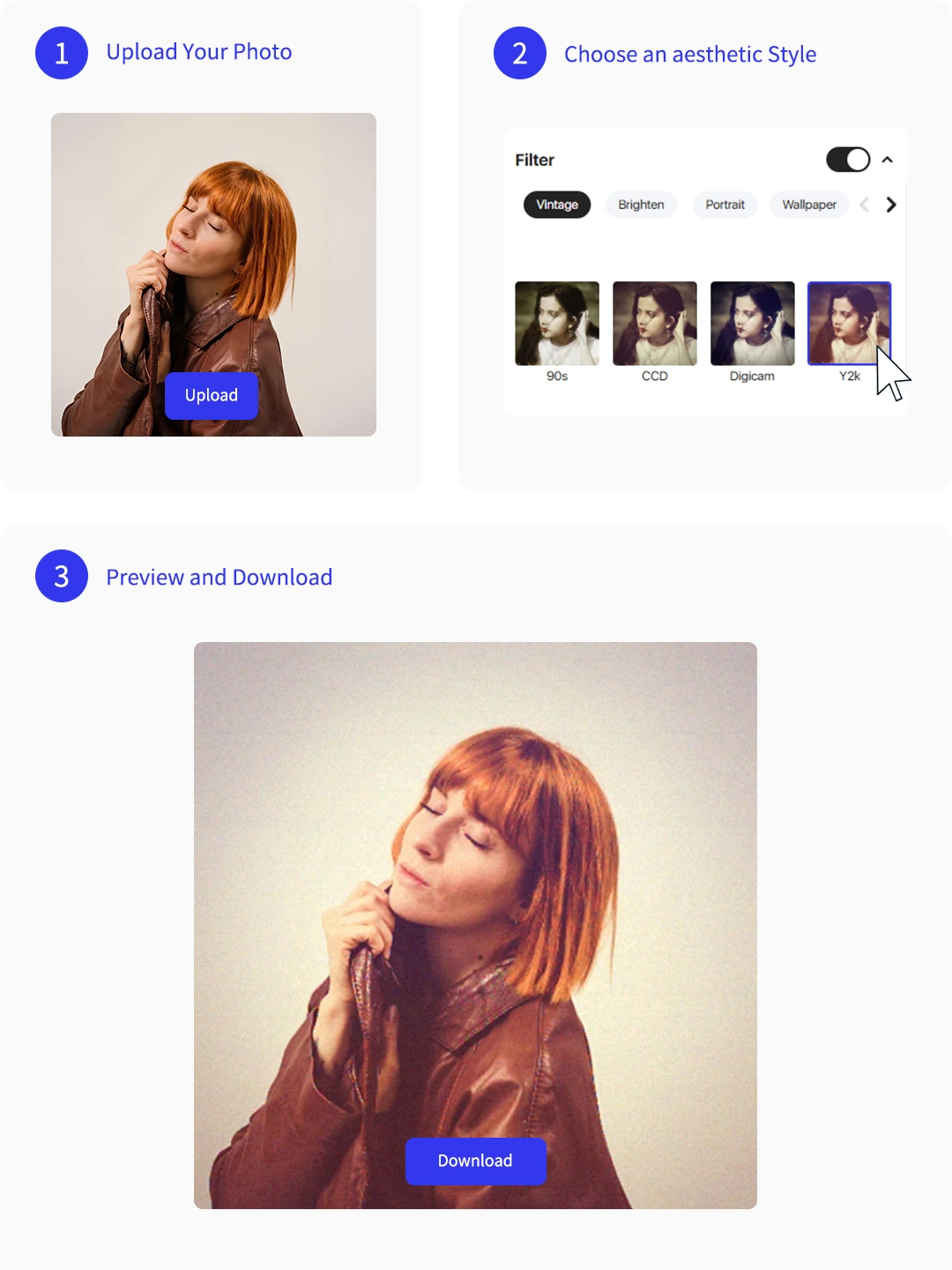
Step 1: Upload Your Photo
Choose a clear portrait, landscape, product photo, pet shot, or cover image so the AI has enough subject detail to edit.
Step 2: Choose an Aesthetic Style
Pick a mood such as Vintage, Y2K, Dreamy, Minimalist, Fairycore, Film, or Instagram-ready before generating.
Step 3: Preview and Download
Review the color, light, skin tone, and texture, then download the edit for posts, covers, products, or creative projects.
Aesthetic Photo Editor vs. Basic Photo Enhancer
Choose a photo enhancer when the image only needs cleanup. Use Pokecut when the photo needs a clearer visual mood and a social-ready style.

Explore More Features of Pokecut
Real Uses for Pokecut Aesthetic Photo Editing
Creators use Pokecut for portraits, products, pets, landscapes, and social covers.


Mia R.

"I used it on a plain selfie and got a warmer film look without making my skin orange. The result was easy to use as an Instagram profile photo."
Jordan L.
"I did not want to adjust curves or color temperature by hand. Choosing an aesthetic filter gave my cover image a complete mood much faster."
Avery C.
"The digicam and dreamy styles are the ones I use most. I can test the same photo in different moods before choosing one for a moodboard."
Sofia M.
"A normal enhancer only made my photo brighter. Pokecut changed the color and atmosphere so the edit felt more intentional."
Noah P.
"I used it for a small product photo and the image looked less like a raw catalog shot. The subject still stayed clear, which mattered for my store page."
Emma K.
"My pet and landscape photos looked more consistent after editing. It helped me keep the same visual tone across several social posts."
Mia R.
"I used it on a plain selfie and got a warmer film look without making my skin orange. The result was easy to use as an Instagram profile photo."
Jordan L.
"I did not want to adjust curves or color temperature by hand. Choosing an aesthetic filter gave my cover image a complete mood much faster."
Avery C.
"The digicam and dreamy styles are the ones I use most. I can test the same photo in different moods before choosing one for a moodboard."
Sofia M.
"A normal enhancer only made my photo brighter. Pokecut changed the color and atmosphere so the edit felt more intentional."
Noah P.
"I used it for a small product photo and the image looked less like a raw catalog shot. The subject still stayed clear, which mattered for my store page."
Emma K.
"My pet and landscape photos looked more consistent after editing. It helped me keep the same visual tone across several social posts."
Mia R.
"I used it on a plain selfie and got a warmer film look without making my skin orange. The result was easy to use as an Instagram profile photo."
Jordan L.
"I did not want to adjust curves or color temperature by hand. Choosing an aesthetic filter gave my cover image a complete mood much faster."
Avery C.
"The digicam and dreamy styles are the ones I use most. I can test the same photo in different moods before choosing one for a moodboard."
Sofia M.
"A normal enhancer only made my photo brighter. Pokecut changed the color and atmosphere so the edit felt more intentional."
Noah P.
"I used it for a small product photo and the image looked less like a raw catalog shot. The subject still stayed clear, which mattered for my store page."
Emma K.
"My pet and landscape photos looked more consistent after editing. It helped me keep the same visual tone across several social posts."
Mia R.
"I used it on a plain selfie and got a warmer film look without making my skin orange. The result was easy to use as an Instagram profile photo."
Jordan L.
"I did not want to adjust curves or color temperature by hand. Choosing an aesthetic filter gave my cover image a complete mood much faster."
Avery C.
"The digicam and dreamy styles are the ones I use most. I can test the same photo in different moods before choosing one for a moodboard."
Sofia M.
"A normal enhancer only made my photo brighter. Pokecut changed the color and atmosphere so the edit felt more intentional."
Noah P.
"I used it for a small product photo and the image looked less like a raw catalog shot. The subject still stayed clear, which mattered for my store page."
Emma K.
"My pet and landscape photos looked more consistent after editing. It helped me keep the same visual tone across several social posts."
Mia R.
"I used it on a plain selfie and got a warmer film look without making my skin orange. The result was easy to use as an Instagram profile photo."
Jordan L.
"I did not want to adjust curves or color temperature by hand. Choosing an aesthetic filter gave my cover image a complete mood much faster."
Avery C.
"The digicam and dreamy styles are the ones I use most. I can test the same photo in different moods before choosing one for a moodboard."
Sofia M.
"A normal enhancer only made my photo brighter. Pokecut changed the color and atmosphere so the edit felt more intentional."
Noah P.
"I used it for a small product photo and the image looked less like a raw catalog shot. The subject still stayed clear, which mattered for my store page."
Emma K.
"My pet and landscape photos looked more consistent after editing. It helped me keep the same visual tone across several social posts."
Sofia M.
"A normal enhancer only made my photo brighter. Pokecut changed the color and atmosphere so the edit felt more intentional."
Noah P.
"I used it for a small product photo and the image looked less like a raw catalog shot. The subject still stayed clear, which mattered for my store page."
Emma K.
"My pet and landscape photos looked more consistent after editing. It helped me keep the same visual tone across several social posts."
Mia R.
"I used it on a plain selfie and got a warmer film look without making my skin orange. The result was easy to use as an Instagram profile photo."
Jordan L.
"I did not want to adjust curves or color temperature by hand. Choosing an aesthetic filter gave my cover image a complete mood much faster."
Avery C.
"The digicam and dreamy styles are the ones I use most. I can test the same photo in different moods before choosing one for a moodboard."
Sofia M.
"A normal enhancer only made my photo brighter. Pokecut changed the color and atmosphere so the edit felt more intentional."
Noah P.
"I used it for a small product photo and the image looked less like a raw catalog shot. The subject still stayed clear, which mattered for my store page."
Emma K.
"My pet and landscape photos looked more consistent after editing. It helped me keep the same visual tone across several social posts."
Mia R.
"I used it on a plain selfie and got a warmer film look without making my skin orange. The result was easy to use as an Instagram profile photo."
Jordan L.
"I did not want to adjust curves or color temperature by hand. Choosing an aesthetic filter gave my cover image a complete mood much faster."
Avery C.
"The digicam and dreamy styles are the ones I use most. I can test the same photo in different moods before choosing one for a moodboard."
Sofia M.
"A normal enhancer only made my photo brighter. Pokecut changed the color and atmosphere so the edit felt more intentional."
Noah P.
"I used it for a small product photo and the image looked less like a raw catalog shot. The subject still stayed clear, which mattered for my store page."
Emma K.
"My pet and landscape photos looked more consistent after editing. It helped me keep the same visual tone across several social posts."
Mia R.
"I used it on a plain selfie and got a warmer film look without making my skin orange. The result was easy to use as an Instagram profile photo."
Jordan L.
"I did not want to adjust curves or color temperature by hand. Choosing an aesthetic filter gave my cover image a complete mood much faster."
Avery C.
"The digicam and dreamy styles are the ones I use most. I can test the same photo in different moods before choosing one for a moodboard."
Sofia M.
"A normal enhancer only made my photo brighter. Pokecut changed the color and atmosphere so the edit felt more intentional."
Noah P.
"I used it for a small product photo and the image looked less like a raw catalog shot. The subject still stayed clear, which mattered for my store page."
Emma K.
"My pet and landscape photos looked more consistent after editing. It helped me keep the same visual tone across several social posts."
Mia R.
"I used it on a plain selfie and got a warmer film look without making my skin orange. The result was easy to use as an Instagram profile photo."
Jordan L.
"I did not want to adjust curves or color temperature by hand. Choosing an aesthetic filter gave my cover image a complete mood much faster."
Avery C.
"The digicam and dreamy styles are the ones I use most. I can test the same photo in different moods before choosing one for a moodboard."
Sofia M.
"A normal enhancer only made my photo brighter. Pokecut changed the color and atmosphere so the edit felt more intentional."
Noah P.
"I used it for a small product photo and the image looked less like a raw catalog shot. The subject still stayed clear, which mattered for my store page."
Emma K.
"My pet and landscape photos looked more consistent after editing. It helped me keep the same visual tone across several social posts."
Mia R.
"I used it on a plain selfie and got a warmer film look without making my skin orange. The result was easy to use as an Instagram profile photo."
Jordan L.
"I did not want to adjust curves or color temperature by hand. Choosing an aesthetic filter gave my cover image a complete mood much faster."
Avery C.
"The digicam and dreamy styles are the ones I use most. I can test the same photo in different moods before choosing one for a moodboard."
Reviews from: Reddit, Product Hunt, G2, TrustRadius, Google Play, App Store, and more.
Trusted AI Photo Editing for Everyday Creators

1M+ Users
Pokecut supports practical AI image editing for global users.

#2 on Product Hunt
Pokecut was recognized as #2 product of the day.

Privacy Aware
Edit personal photos with clear product prompts and controls.

Creator Ready
Useful for social posts, covers, product visuals, and profiles.
FAQs About Aesthetic Photo Editing
What is an aesthetic photo editor?
An aesthetic photo editor changes the mood of a photo, not only its sharpness or brightness. It can adjust color, light, texture, contrast, and background feeling so the image looks more intentional for social posts, covers, profiles, or creative projects.
How do I make a photo aesthetic online?
Start by uploading a clear image, then choose the style you want the photo to follow. In Pokecut, you can test looks such as vintage, dreamy, film, digicam, or minimalist, preview the result, and download the version that fits your use case.
What is the difference between an aesthetic filter and an aesthetic editor?
An aesthetic filter usually applies one visual look to the photo. An aesthetic editor gives you more control over the full image mood, including how color, light, texture, and subject detail work together in the final edit.
Can I create aesthetic photo edits for Instagram?
Pokecut works well for Instagram-style visuals when you want a consistent mood across posts, covers, and profile photos. For the best result, start with a clear subject and preview the edit before using it in a final feed layout.





