





AI Headshot Generator Online Free for Work Profiles
Create a polished professional headshot from one selfie. Try a free AI headshot generator online for resumes, LinkedIn, and PR photos.
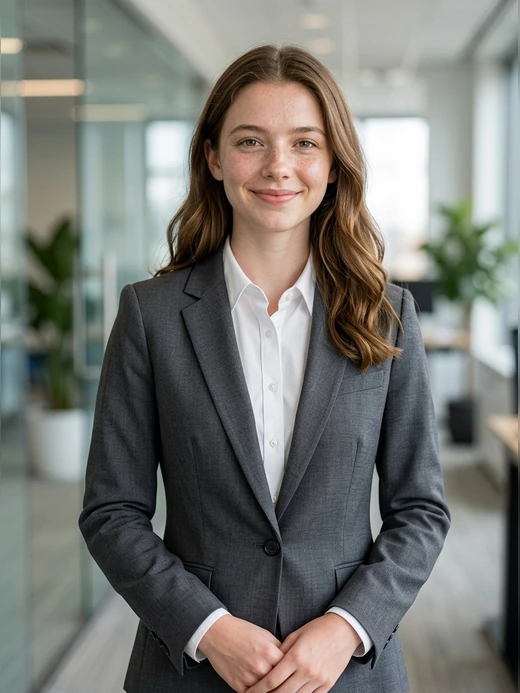
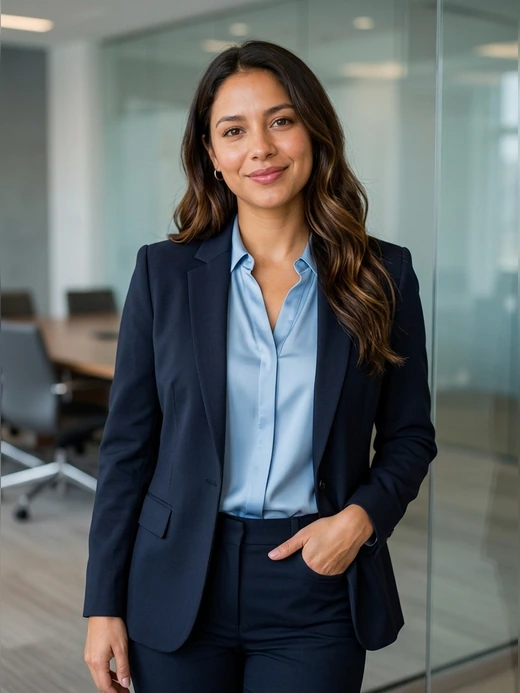
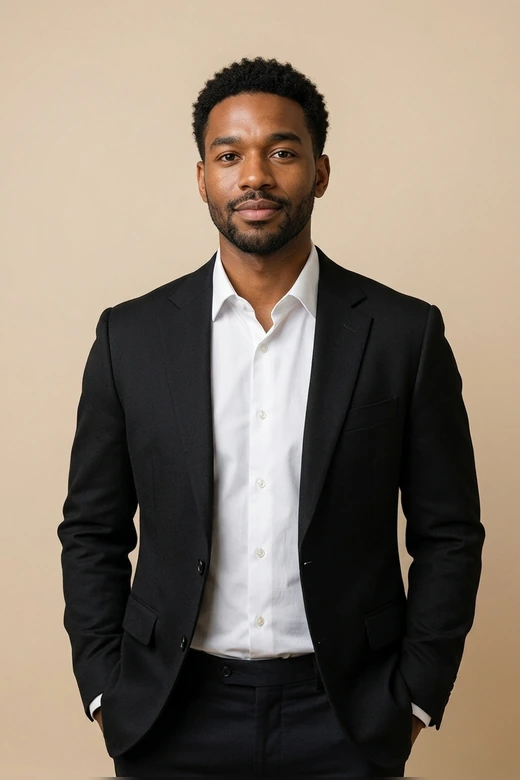
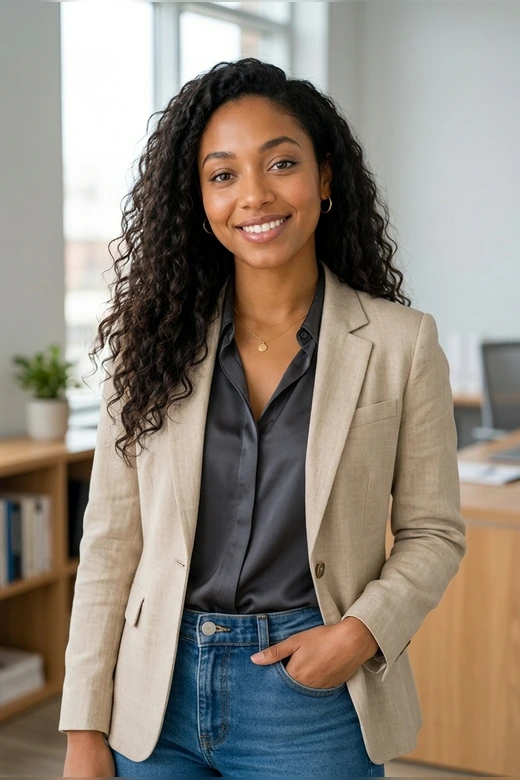


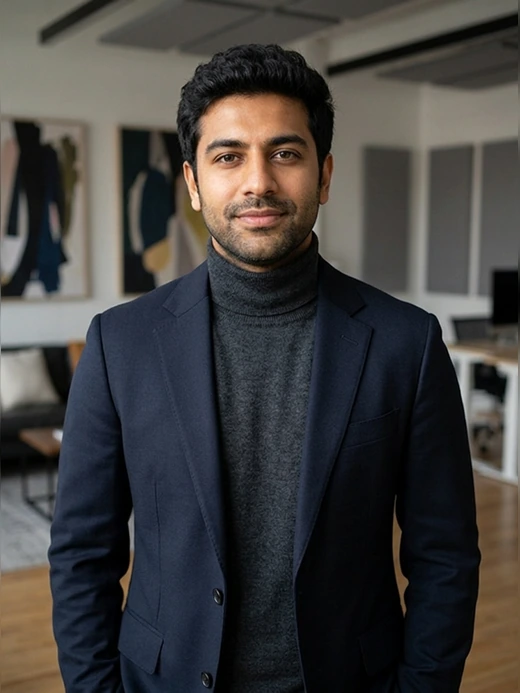



Why Should Choose Pokecut's AI Headshot Maker?
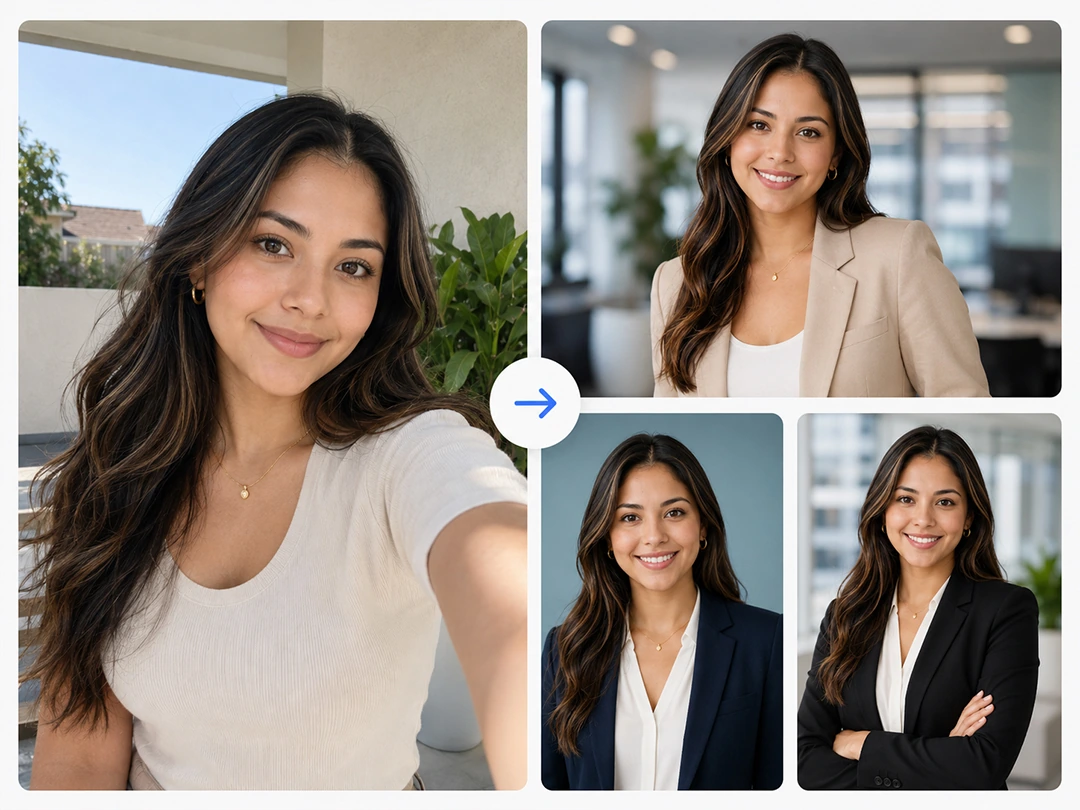
Create a Work Headshot From One Selfie
Forget about digging through dozens of old folders just to find past pictures. Uploading one simple smartphone portrait is all it takes to kickstart the rendering process. Pokecut's cutting-edge AI headshot maker completely eliminates long waiting periods by mapping your features instantly.
This hyper-fast system helps you meet urgent submission deadlines smoothly. The intelligent face processing architecture finishes your high-resolution file in under a minute, meaning your immediate career branding goals are satisfied without any stress.
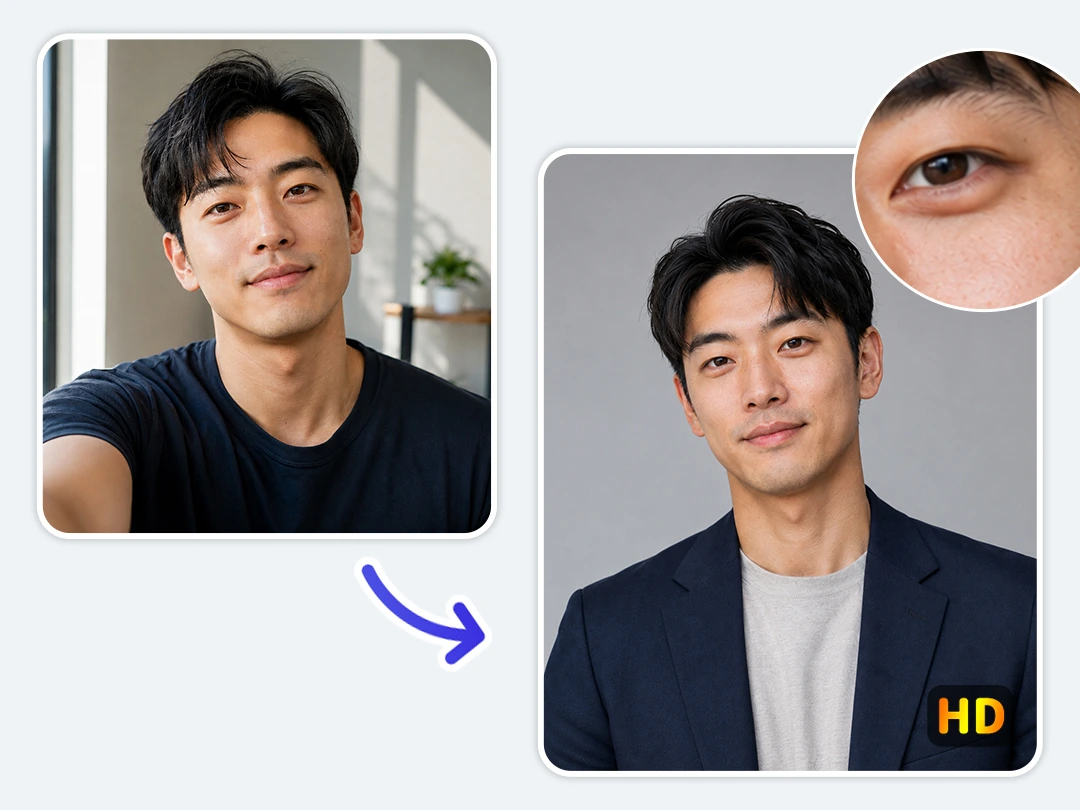
Keep Real Skin Texture and Natural Light
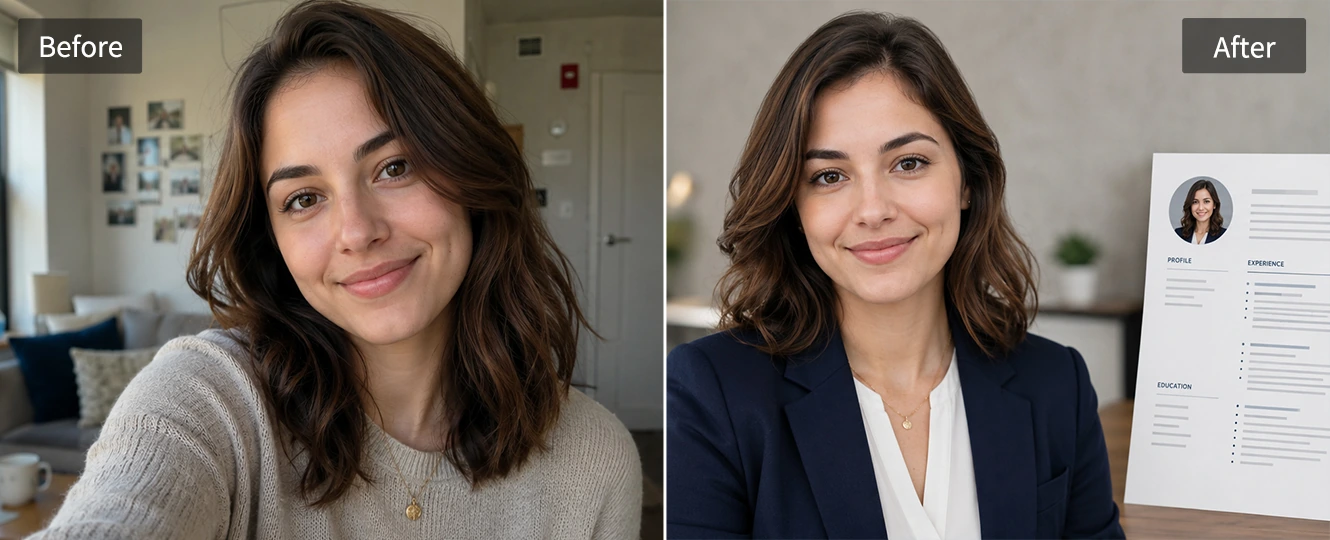
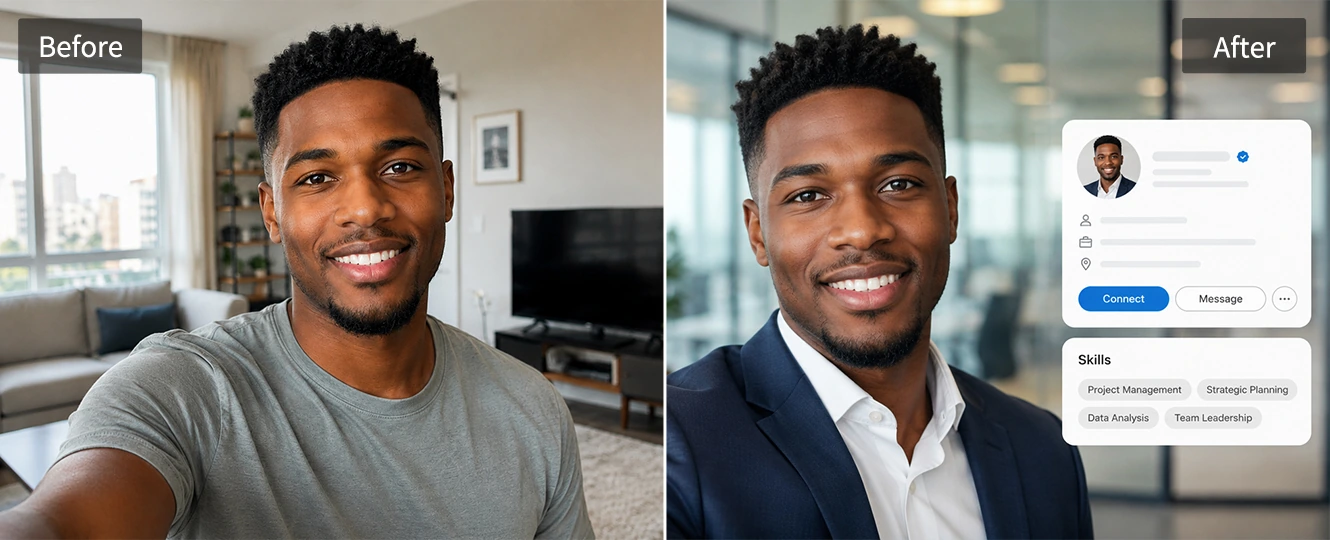
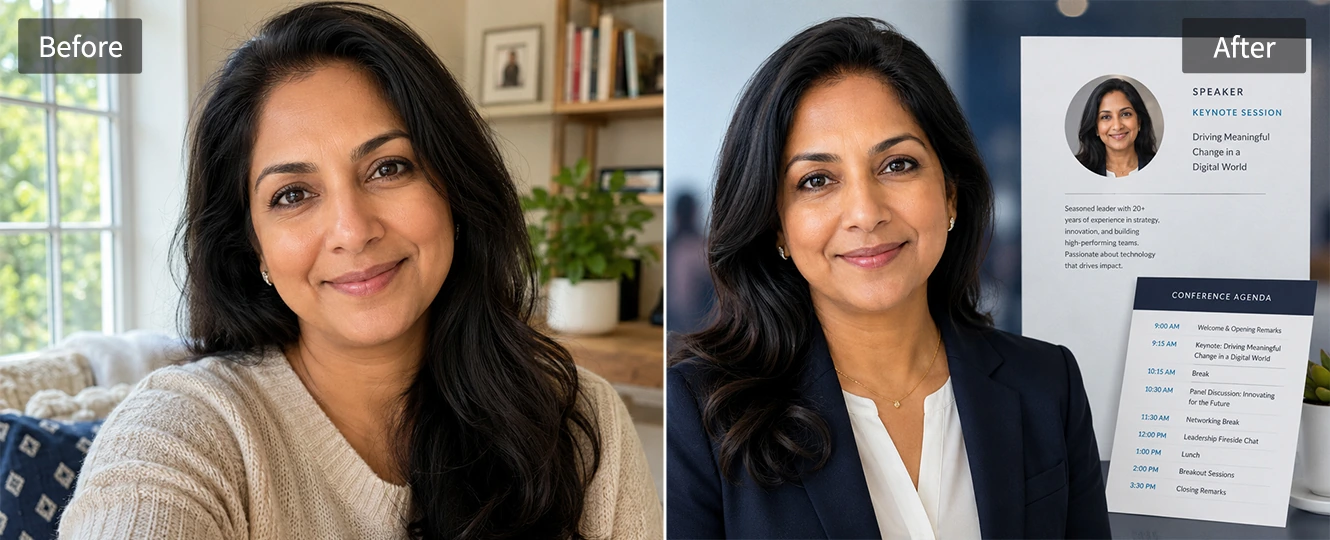
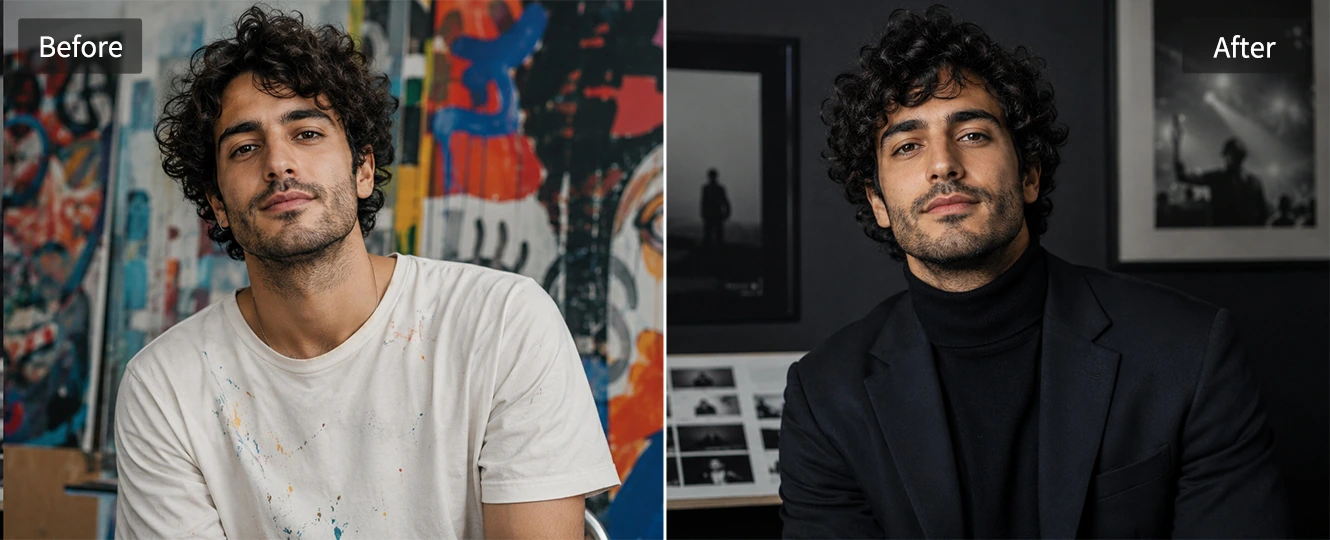
A strong headshot should not make your face look plastic. Pokecut keeps skin texture, facial expression, and the small details that make you recognizable, then improves lighting so the portrait feels clean and balanced.
Use the AI headshot editor when you want a studio-style result that still looks like you. It can soften a harsh phone snapshot, add a more reliable business tone, and avoid the fake mask effect that appears in many AI generated headshots. The final image is built for trust, not over-editing.
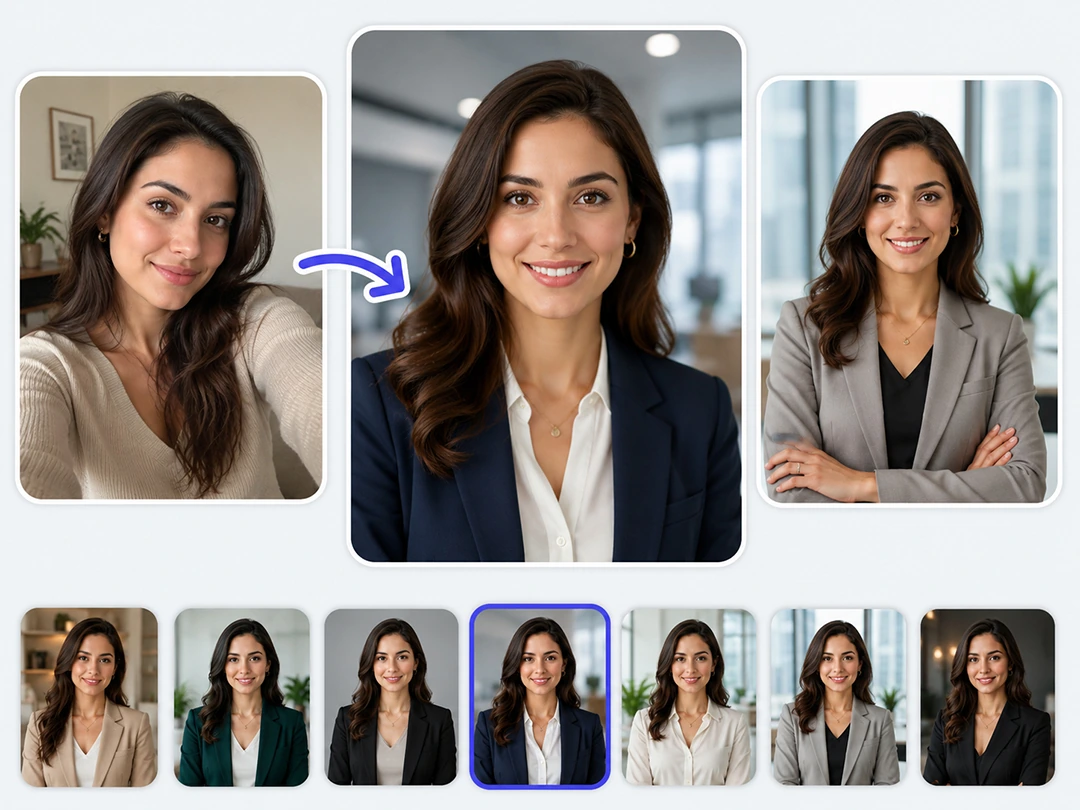
Switch Business Outfits and Office Backdrops
Skip the expensive wardrobe shopping and stop searching for clean white walls at home. Pokecut's online platform provides a massive built-in catalog filled with modern corporate attire and sharp business blazers. You can change your clothing digital style with just a single click.
Changing the perfect backdrop for your specific industry is incredibly easy. You can rotate between clean solid colors, modern boardrooms, or slightly blurred office spaces. This versatile AI headshot editor helps you match multiple corporate aesthetics effortlessly.
What Types of headshot Can Pokecut Generate for You?
How to Use Pokecut's AI Headshot Generator?
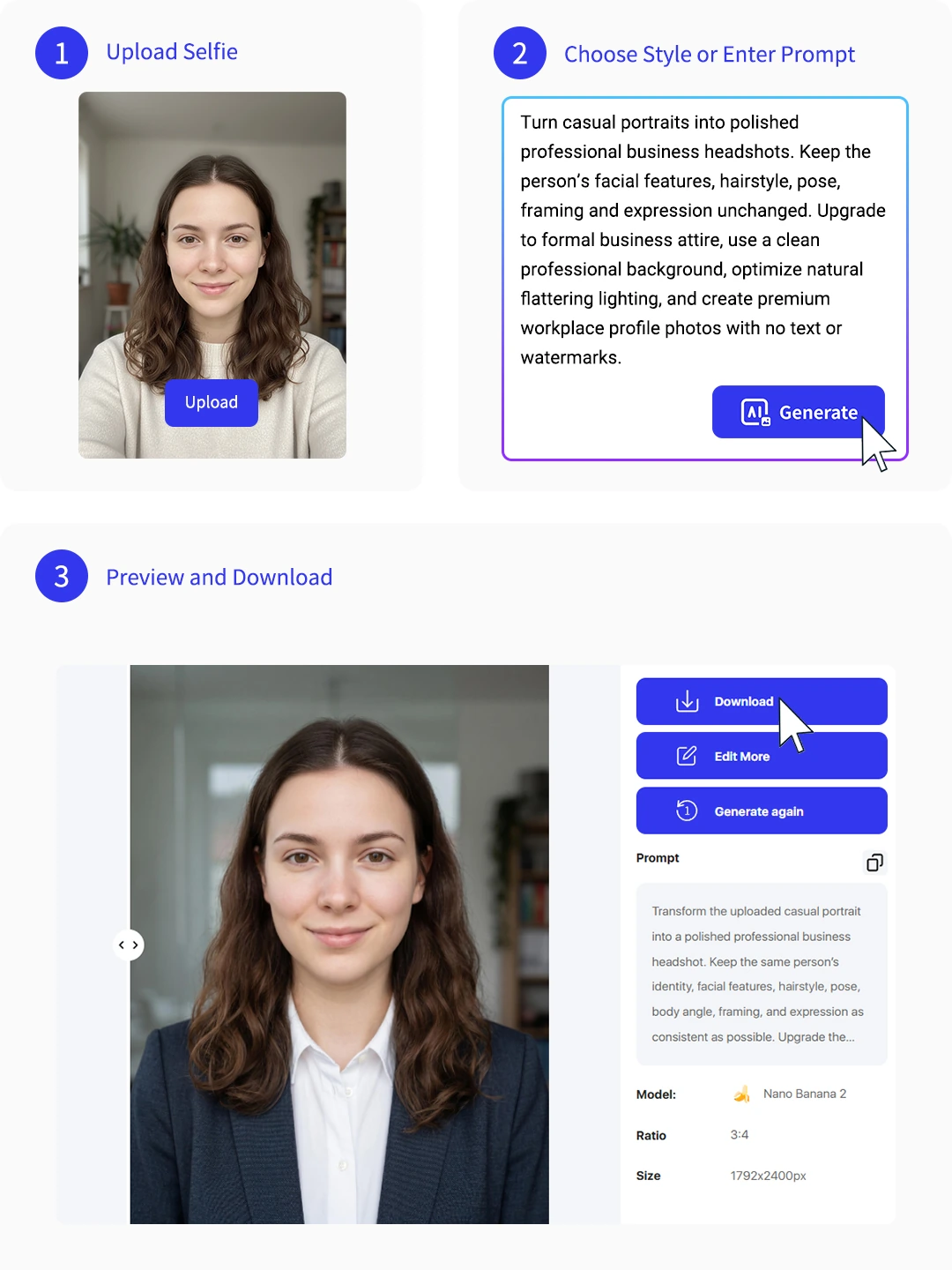
Step 1: Upload Your Image
Add a clear selfie or portrait. Face-forward photos with natural light give the AI headshot generator better detail to work with.
Step 2: Choose a Template or Prompt
Choose a template for your business or write a prompt when you want a more custom photoshoot feel.
Step 3: Preview and Download Your Headshot
Review the result, try another style if needed, then download your AI generated headshot for work or social profiles.

Explore More Features of Pokecut
What Do Users Say About Pokecut's AI Headshot Generator?
Pokecut is loved by thousands of users and remote creators worldwide for its unmatched realism, lightning speed, and effortless workflow.


Pamela D.

"I needed a LinkedIn photo before a recruiter call. One selfie gave me a clean headshot that still looked like me, so I did not have to crop an old party photo."
Nicole H.
"The outfit options helped me test a more formal look for my company profile. It was much easier than trying to edit clothing and background by hand."
Katherine W.
"I used it for speaker bio photos across a webinar page and social posts. The lighting looked balanced, and the background was clean enough for our designer to use."
Samantha G.
"My resume photo was outdated, but I only had phone selfies. Pokecut gave me a professional version fast, and the face did not look over-smoothed."
Christine F.
"I manage profile photos for a small team. This made it easier to get everyone into a consistent business style without arranging a photoshoot."
Emma N.
"The creative portrait styles worked well for my portfolio page. I could keep my natural expression and still get a press-ready image."
Pamela D.
"I needed a LinkedIn photo before a recruiter call. One selfie gave me a clean headshot that still looked like me, so I did not have to crop an old party photo."
Nicole H.
"The outfit options helped me test a more formal look for my company profile. It was much easier than trying to edit clothing and background by hand."
Katherine W.
"I used it for speaker bio photos across a webinar page and social posts. The lighting looked balanced, and the background was clean enough for our designer to use."
Samantha G.
"My resume photo was outdated, but I only had phone selfies. Pokecut gave me a professional version fast, and the face did not look over-smoothed."
Christine F.
"I manage profile photos for a small team. This made it easier to get everyone into a consistent business style without arranging a photoshoot."
Emma N.
"The creative portrait styles worked well for my portfolio page. I could keep my natural expression and still get a press-ready image."
Pamela D.
"I needed a LinkedIn photo before a recruiter call. One selfie gave me a clean headshot that still looked like me, so I did not have to crop an old party photo."
Nicole H.
"The outfit options helped me test a more formal look for my company profile. It was much easier than trying to edit clothing and background by hand."
Katherine W.
"I used it for speaker bio photos across a webinar page and social posts. The lighting looked balanced, and the background was clean enough for our designer to use."
Samantha G.
"My resume photo was outdated, but I only had phone selfies. Pokecut gave me a professional version fast, and the face did not look over-smoothed."
Christine F.
"I manage profile photos for a small team. This made it easier to get everyone into a consistent business style without arranging a photoshoot."
Emma N.
"The creative portrait styles worked well for my portfolio page. I could keep my natural expression and still get a press-ready image."
Pamela D.
"I needed a LinkedIn photo before a recruiter call. One selfie gave me a clean headshot that still looked like me, so I did not have to crop an old party photo."
Nicole H.
"The outfit options helped me test a more formal look for my company profile. It was much easier than trying to edit clothing and background by hand."
Katherine W.
"I used it for speaker bio photos across a webinar page and social posts. The lighting looked balanced, and the background was clean enough for our designer to use."
Samantha G.
"My resume photo was outdated, but I only had phone selfies. Pokecut gave me a professional version fast, and the face did not look over-smoothed."
Christine F.
"I manage profile photos for a small team. This made it easier to get everyone into a consistent business style without arranging a photoshoot."
Emma N.
"The creative portrait styles worked well for my portfolio page. I could keep my natural expression and still get a press-ready image."
Pamela D.
"I needed a LinkedIn photo before a recruiter call. One selfie gave me a clean headshot that still looked like me, so I did not have to crop an old party photo."
Nicole H.
"The outfit options helped me test a more formal look for my company profile. It was much easier than trying to edit clothing and background by hand."
Katherine W.
"I used it for speaker bio photos across a webinar page and social posts. The lighting looked balanced, and the background was clean enough for our designer to use."
Samantha G.
"My resume photo was outdated, but I only had phone selfies. Pokecut gave me a professional version fast, and the face did not look over-smoothed."
Christine F.
"I manage profile photos for a small team. This made it easier to get everyone into a consistent business style without arranging a photoshoot."
Emma N.
"The creative portrait styles worked well for my portfolio page. I could keep my natural expression and still get a press-ready image."
Samantha G.
"My resume photo was outdated, but I only had phone selfies. Pokecut gave me a professional version fast, and the face did not look over-smoothed."
Christine F.
"I manage profile photos for a small team. This made it easier to get everyone into a consistent business style without arranging a photoshoot."
Emma N.
"The creative portrait styles worked well for my portfolio page. I could keep my natural expression and still get a press-ready image."
Pamela D.
"I needed a LinkedIn photo before a recruiter call. One selfie gave me a clean headshot that still looked like me, so I did not have to crop an old party photo."
Nicole H.
"The outfit options helped me test a more formal look for my company profile. It was much easier than trying to edit clothing and background by hand."
Katherine W.
"I used it for speaker bio photos across a webinar page and social posts. The lighting looked balanced, and the background was clean enough for our designer to use."
Samantha G.
"My resume photo was outdated, but I only had phone selfies. Pokecut gave me a professional version fast, and the face did not look over-smoothed."
Christine F.
"I manage profile photos for a small team. This made it easier to get everyone into a consistent business style without arranging a photoshoot."
Emma N.
"The creative portrait styles worked well for my portfolio page. I could keep my natural expression and still get a press-ready image."
Pamela D.
"I needed a LinkedIn photo before a recruiter call. One selfie gave me a clean headshot that still looked like me, so I did not have to crop an old party photo."
Nicole H.
"The outfit options helped me test a more formal look for my company profile. It was much easier than trying to edit clothing and background by hand."
Katherine W.
"I used it for speaker bio photos across a webinar page and social posts. The lighting looked balanced, and the background was clean enough for our designer to use."
Samantha G.
"My resume photo was outdated, but I only had phone selfies. Pokecut gave me a professional version fast, and the face did not look over-smoothed."
Christine F.
"I manage profile photos for a small team. This made it easier to get everyone into a consistent business style without arranging a photoshoot."
Emma N.
"The creative portrait styles worked well for my portfolio page. I could keep my natural expression and still get a press-ready image."
Pamela D.
"I needed a LinkedIn photo before a recruiter call. One selfie gave me a clean headshot that still looked like me, so I did not have to crop an old party photo."
Nicole H.
"The outfit options helped me test a more formal look for my company profile. It was much easier than trying to edit clothing and background by hand."
Katherine W.
"I used it for speaker bio photos across a webinar page and social posts. The lighting looked balanced, and the background was clean enough for our designer to use."
Samantha G.
"My resume photo was outdated, but I only had phone selfies. Pokecut gave me a professional version fast, and the face did not look over-smoothed."
Christine F.
"I manage profile photos for a small team. This made it easier to get everyone into a consistent business style without arranging a photoshoot."
Emma N.
"The creative portrait styles worked well for my portfolio page. I could keep my natural expression and still get a press-ready image."
Pamela D.
"I needed a LinkedIn photo before a recruiter call. One selfie gave me a clean headshot that still looked like me, so I did not have to crop an old party photo."
Nicole H.
"The outfit options helped me test a more formal look for my company profile. It was much easier than trying to edit clothing and background by hand."
Katherine W.
"I used it for speaker bio photos across a webinar page and social posts. The lighting looked balanced, and the background was clean enough for our designer to use."
Samantha G.
"My resume photo was outdated, but I only had phone selfies. Pokecut gave me a professional version fast, and the face did not look over-smoothed."
Christine F.
"I manage profile photos for a small team. This made it easier to get everyone into a consistent business style without arranging a photoshoot."
Emma N.
"The creative portrait styles worked well for my portfolio page. I could keep my natural expression and still get a press-ready image."
Pamela D.
"I needed a LinkedIn photo before a recruiter call. One selfie gave me a clean headshot that still looked like me, so I did not have to crop an old party photo."
Nicole H.
"The outfit options helped me test a more formal look for my company profile. It was much easier than trying to edit clothing and background by hand."
Katherine W.
"I used it for speaker bio photos across a webinar page and social posts. The lighting looked balanced, and the background was clean enough for our designer to use."
Reviews from: Reddit, Product Hunt, G2, TrustRadius, Google Play, App Store, and more.
Pokecut Trusted by Millions of Leaders and Users

1M+ Users Worldwide
Pokecut generates over 500,000 images every day

#2 on Product Hunt
Pokecut launched and won #2 product of the day

Professional Privacy Protection
Ensure 100% data privacy for every photo

Trusted by Well-known Brands
Apple, Google, PayPal, Stripe, Product Hunt, G2, TrustRadius
FAQs About AI Headshot Generator
Can I use the generated business photos legally on resumes?
Absolutely. You retain 100% full commercial ownership and copyright of any image generated through Pokecut. These professional headshots are fully compliant and perfectly formatted for your LinkedIn profile, corporate about-us pages, digital business cards, email signatures, and professional resumes.
Is the free AI headshot generator good for LinkedIn?
Yes. It can help you make a profile photo that looks more polished for LinkedIn, resumes, company pages, and speaker bios. For more profile uses, you can also make profile picture versions in Pokecut.
Will my AI generated headshot still look like me?
Pokecut is designed to keep your face recognizable while improving lighting, clothing, and background. Use a sharp source photo and avoid heavy filters before upload, because the original face detail helps the final headshot stay natural.
What photo should I upload for the best result?
Use a clear portrait where your face is visible and not blocked by sunglasses, masks, or strong shadows. A simple background helps, but it is not required because the AI headshot editor can replace it with a cleaner work setting.
Can teams create consistent AI generated headshots?
Yes. Teams can choose similar outfits, lighting, and backgrounds so profile photos feel more consistent across a website, sales deck, or company directory. It is a practical choice when a full studio shoot is hard to schedule.







